 Jacky
Jacky Welcome back to Jacky Deals—your go-to destination for honest software reviews and the best tech discounts. In 2026, efficiency is everything. If you are still typing long emails to explain a technical issue or a workflow, you’re losing time. Today, we’re reviewing ScreenRec, a tool designed to replace those long emails with instant video snippets. We found this tool on top of Google search while creating a list of best free screen recorder no watermark for our readers as of 2026.
What is ScreenRec?
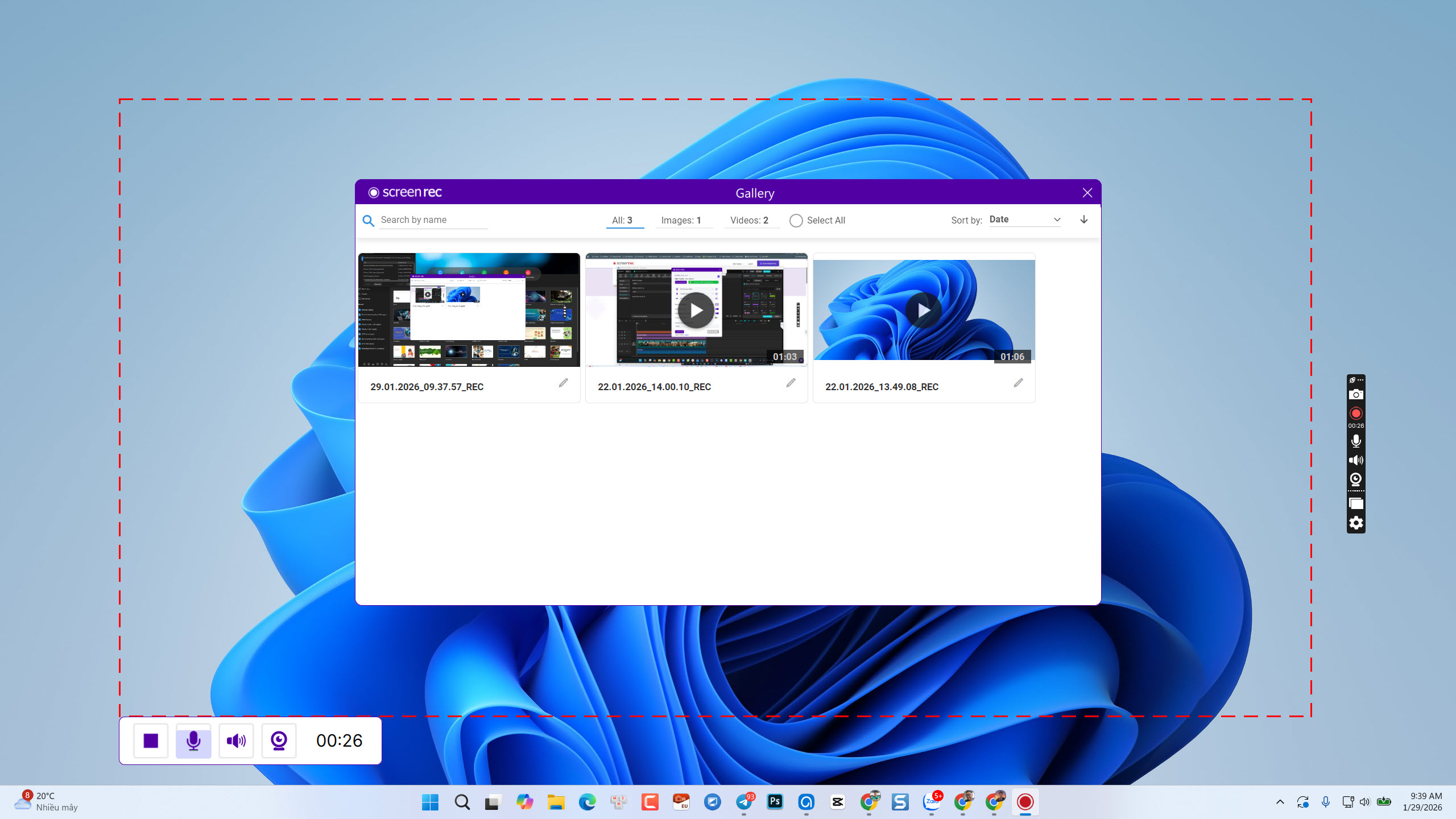
ScreenRec is more than just a screen recorder; it is a productivity powerhouse. It’s built for those who need to capture their screen and share it immediately without the hassle of rendering, uploading, or dealing with heavy file sizes. It bridges the gap between recording a thought and delivering it to your team, making visual communication as fast as sending a text message. With Screenrec, you can easily grab your screen with its screenshot tool, then annotate the image instantly. You can also record screen and webcam simultaneously with audio from mic and system sound.
My Take: Overall, ScreenRec is an incredibly handy tool for capturing screenshots or quick screen recordings. The instant sharing feature right after recording is a huge time-saver. If you are an average user looking for simplicity, this is definitely all you need.
✅ The Pros (Why we love it)
-
Truly Free with No Watermarks: Unlike many “free” tools that ruin your video with huge logos, ScreenRec offers a clean, professional recording experience for $0.
-
The “Instant Link” Feature: This is the game-changer. The moment you stop recording, a private sharing link is automatically copied to your clipboard. Just hit
Ctrl + Vin Slack, Microsoft Teams, or Gmail, and you’re done. -
Secure Cloud Storage: You get 2GB of free, encrypted cloud storage. Your data is safe, and your videos are hosted on their secure servers at no extra cost.
-
Zero Lag: It is incredibly lightweight. Whether you’re recording a complex software demo or a quick browser tab, it won’t slow down your system performance.
❌ The Cons (What’s missing?)
-
No Editing Tools: ScreenRec is built for speed, not production. It doesn’t have a built-in editor. If you need to trim, add annotations, or blur sensitive info, you’ll need a dedicated editor.
-
Account Required: To enjoy unlimited recording and cloud features, you must sign up for a free account.
🎯 Jacky Deals’ Verdict
ScreenRec is a must-have for project managers, developers, and customer support teams. It’s the fastest way to communicate visually. However, if your goal is to create high-quality YouTube content or professional E-learning courses, you’ll want something with more “meat” on its bones. Here is our suggestion: Atomi ActivePresenter, an all-in-one eLearning authoring tools for content creators.