

 Jacky
Jacky In the fast-paced world of corporate training and digital education, speed and efficiency are king. Rise 360 has rightfully earned its reputation as the go-to authoring tool for creating visually stunning, inherently responsive e-learning courses in a fraction of the time traditional tools require. Its elegant, web-based interface and intuitive block-based system empower users of all skill levels to build professional-grade content that looks flawless on any device. For teams needing to deploy polished training modules quickly, Rise 360 often feels like the perfect solution.
However, behind its polished facade lies a critical question: does this remarkable simplicity come at the expense of true creative freedom? For instructional designers and e-learning developers who require deep customization, complex interactions, or granular control over their projects, Rise 360’s template-driven approach can feel restrictive. Coupled with a premium, recurring subscription fee as part of the Articulate 360 suite, a thorough evaluation is essential before committing to the ecosystem.
This review promises to cut through the hype and provide an honest, balanced analysis of Rise 360. We will dive deep into its core strengths and expose its limitations, helping you understand precisely who this tool is for—and who it isn’t. By the end, you’ll have a clear picture of its capabilities and costs, and you’ll understand why powerful alternatives like ActivePresenter 10 are gaining ground as a more flexible and cost-effective choice for serious e-learning professionals.

Rise 360 Detailed Review
What is Rise 360?
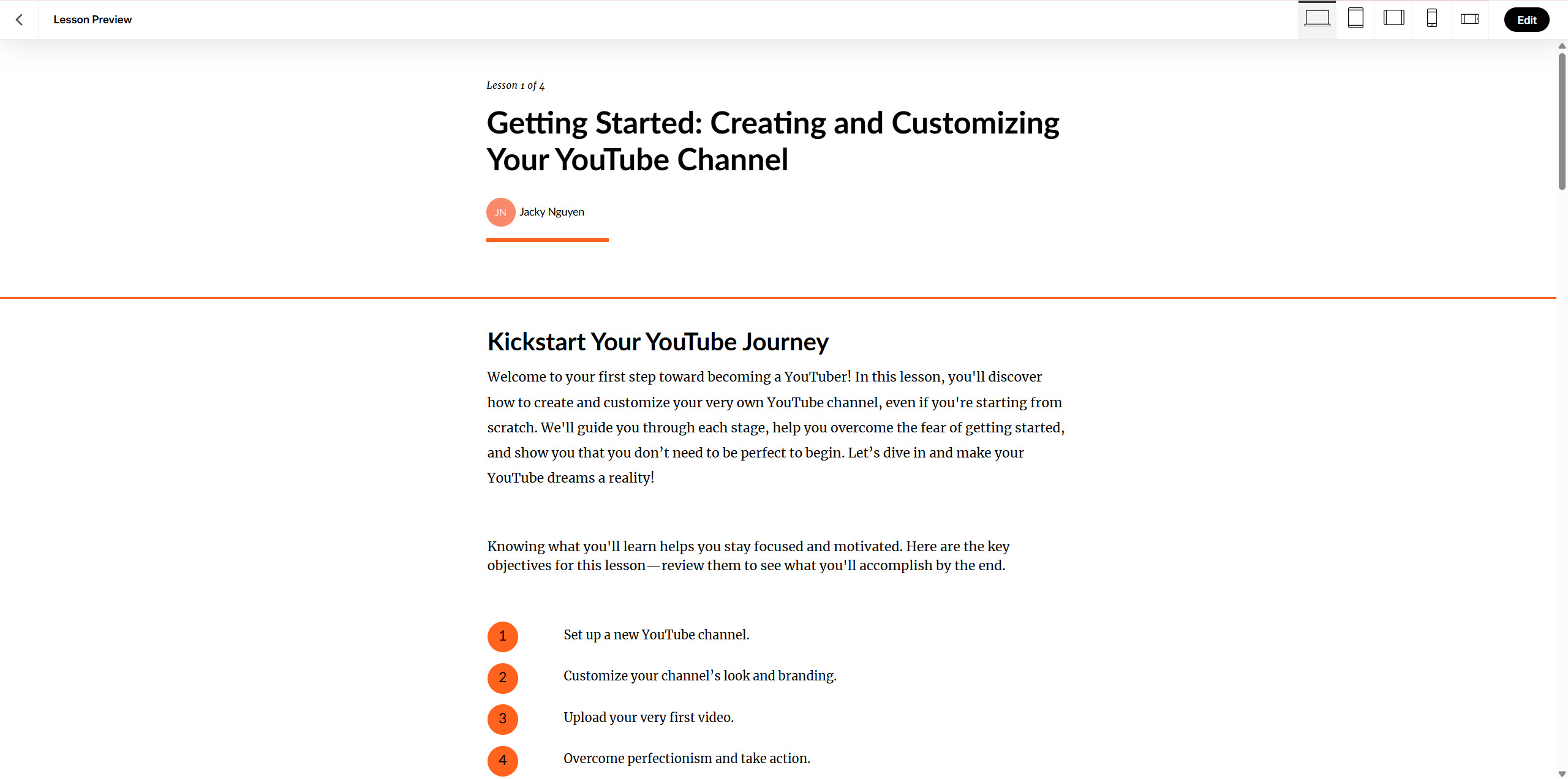
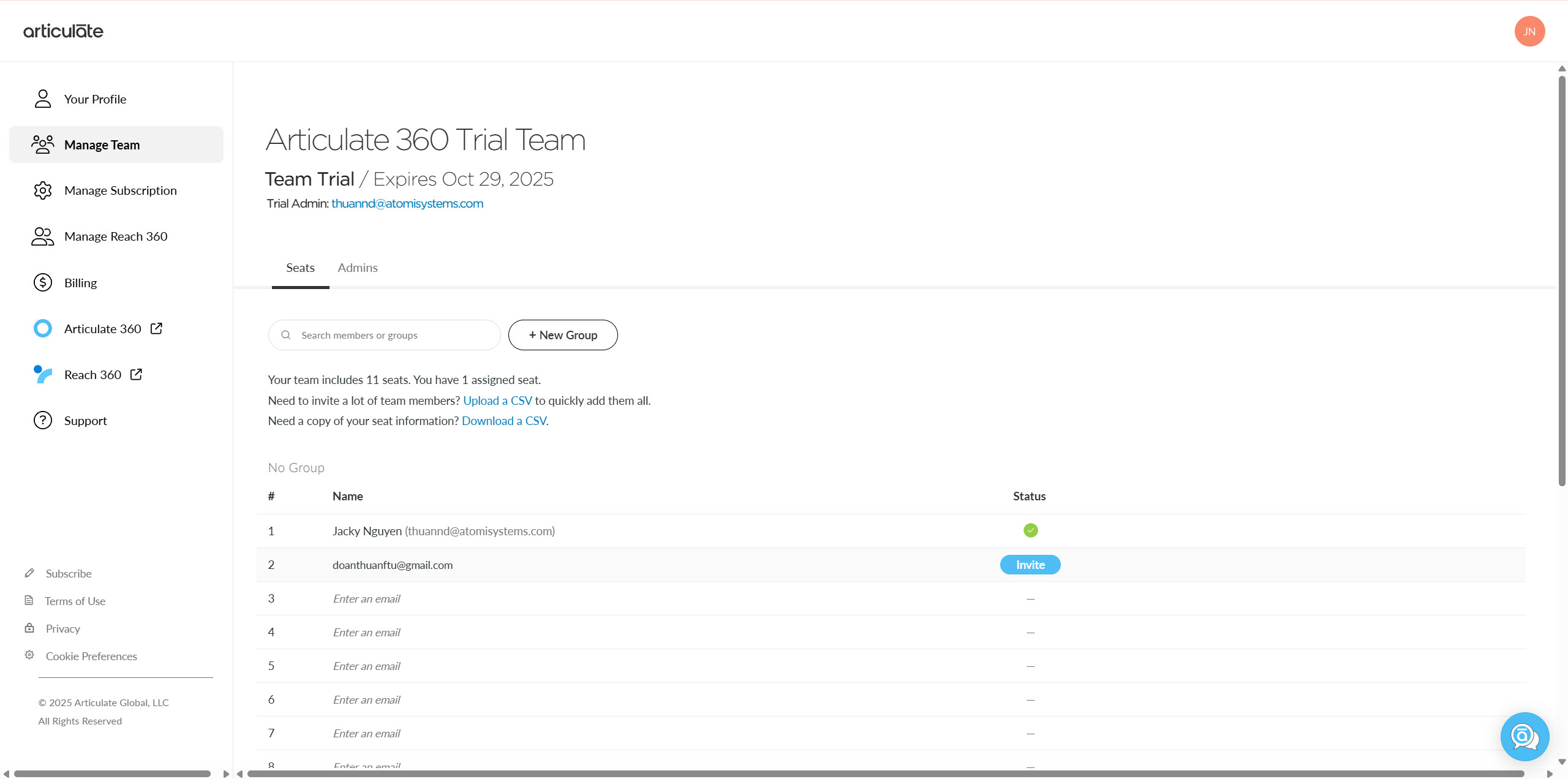
Rise 360 is a web-based authoring tool that makes building course content from scratch quick and easy, serving as part of the comprehensive Articulate 360 suite. It uses the latest web technologies to adapt courses for every device automatically, eliminating the need for separate mobile versions. As said, it is a part of Articulate 360 ecosystem. So, you’ll need a bussiness email to register a trial account.
Key Features of Rise 360
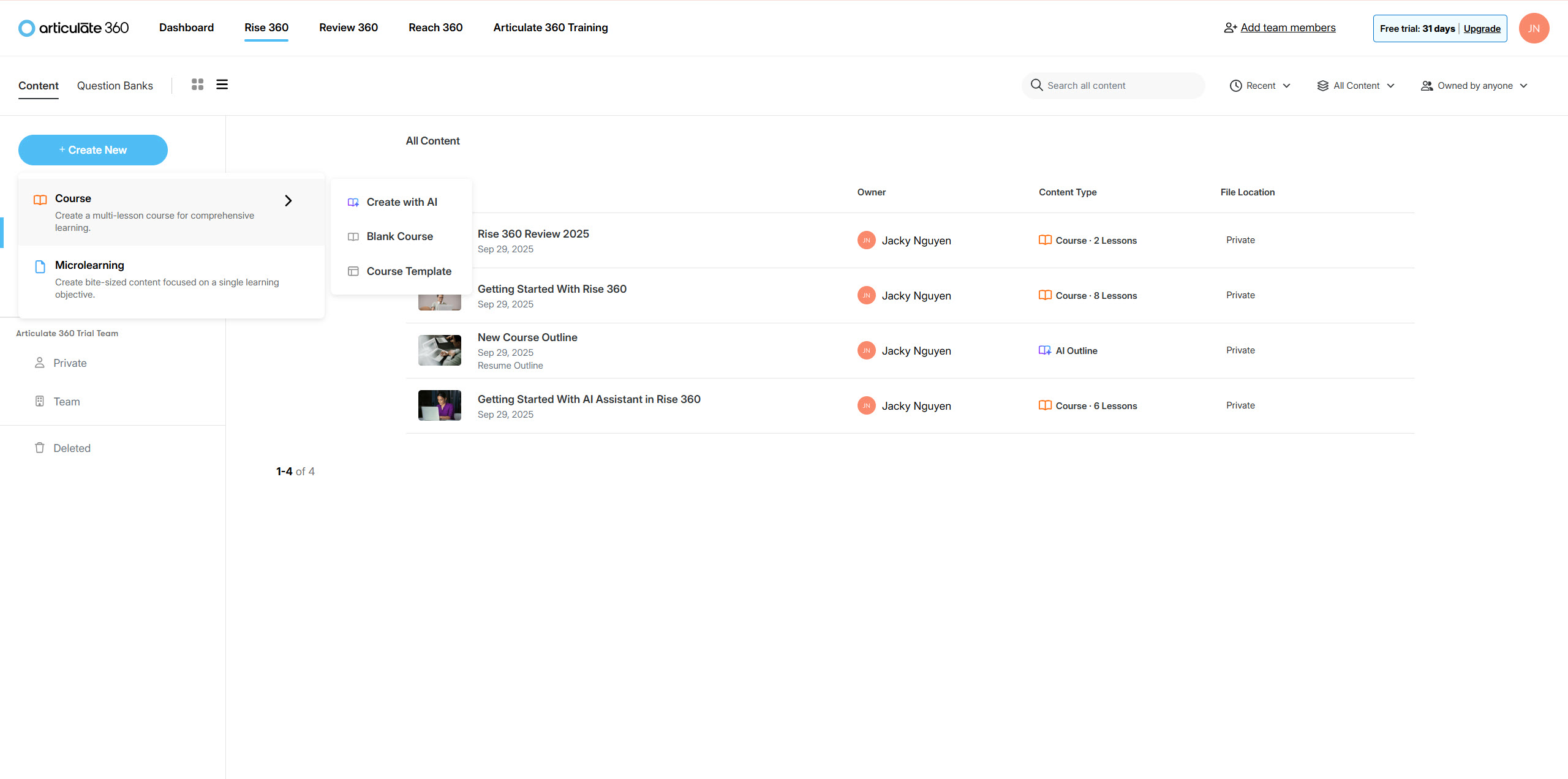
AI-Powered Course Creation
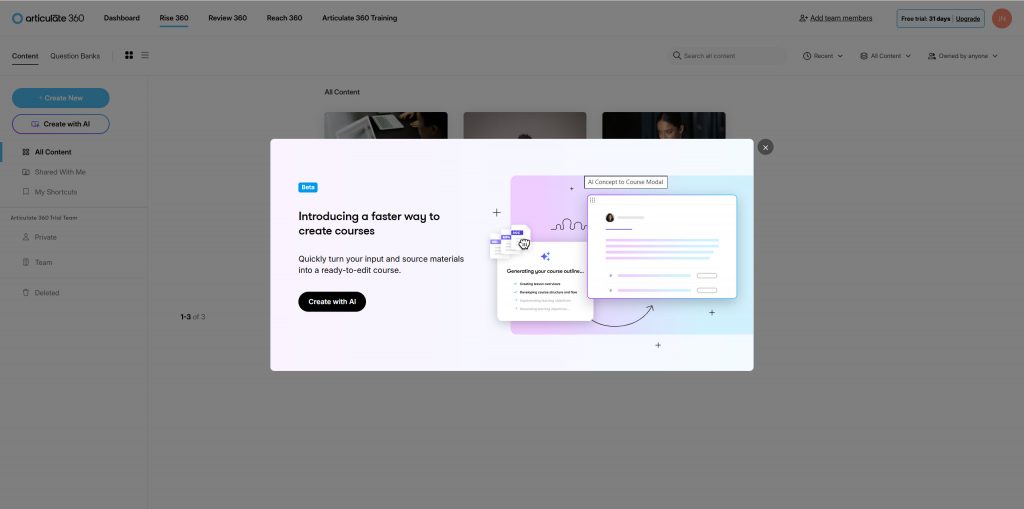
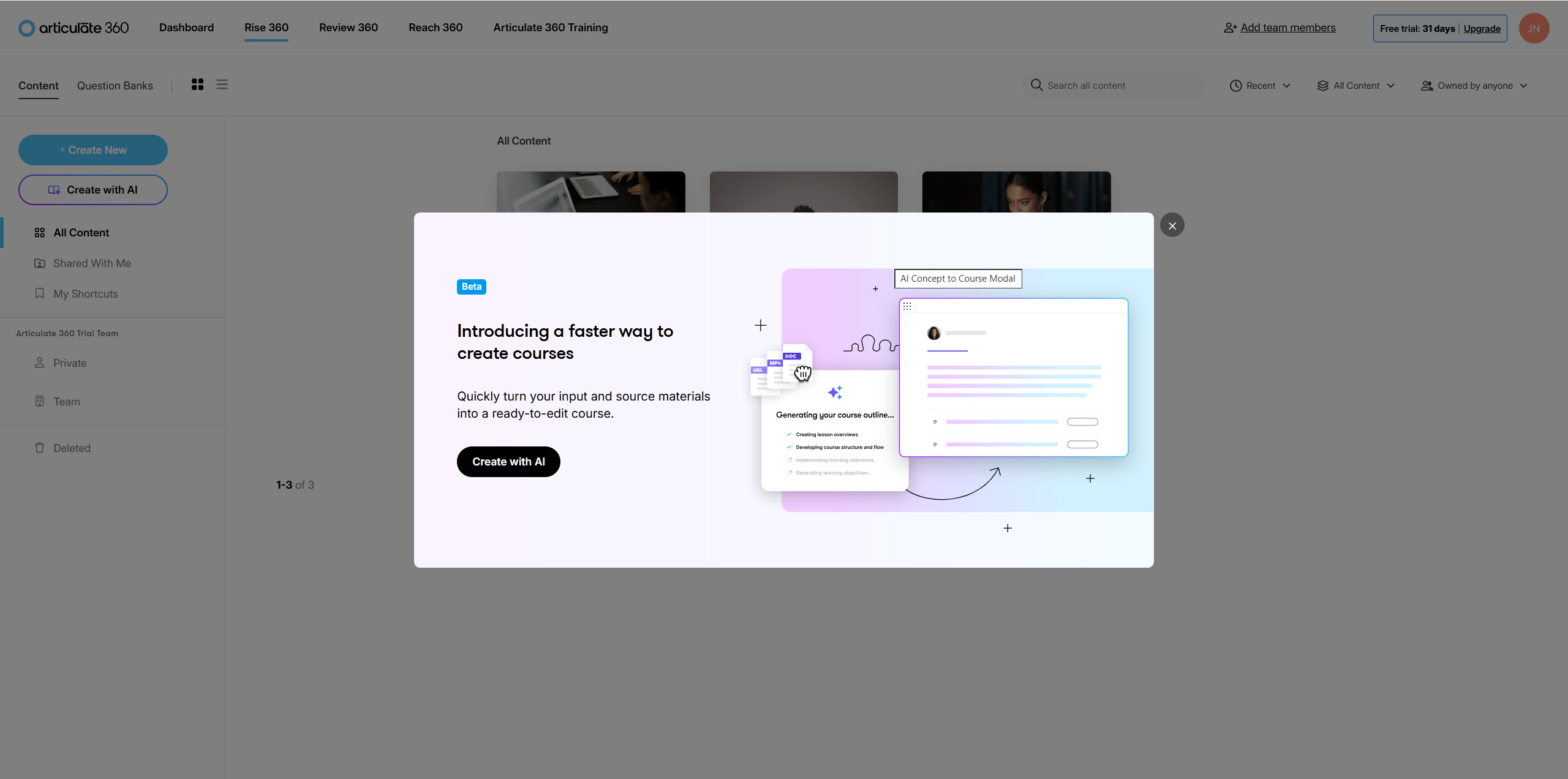
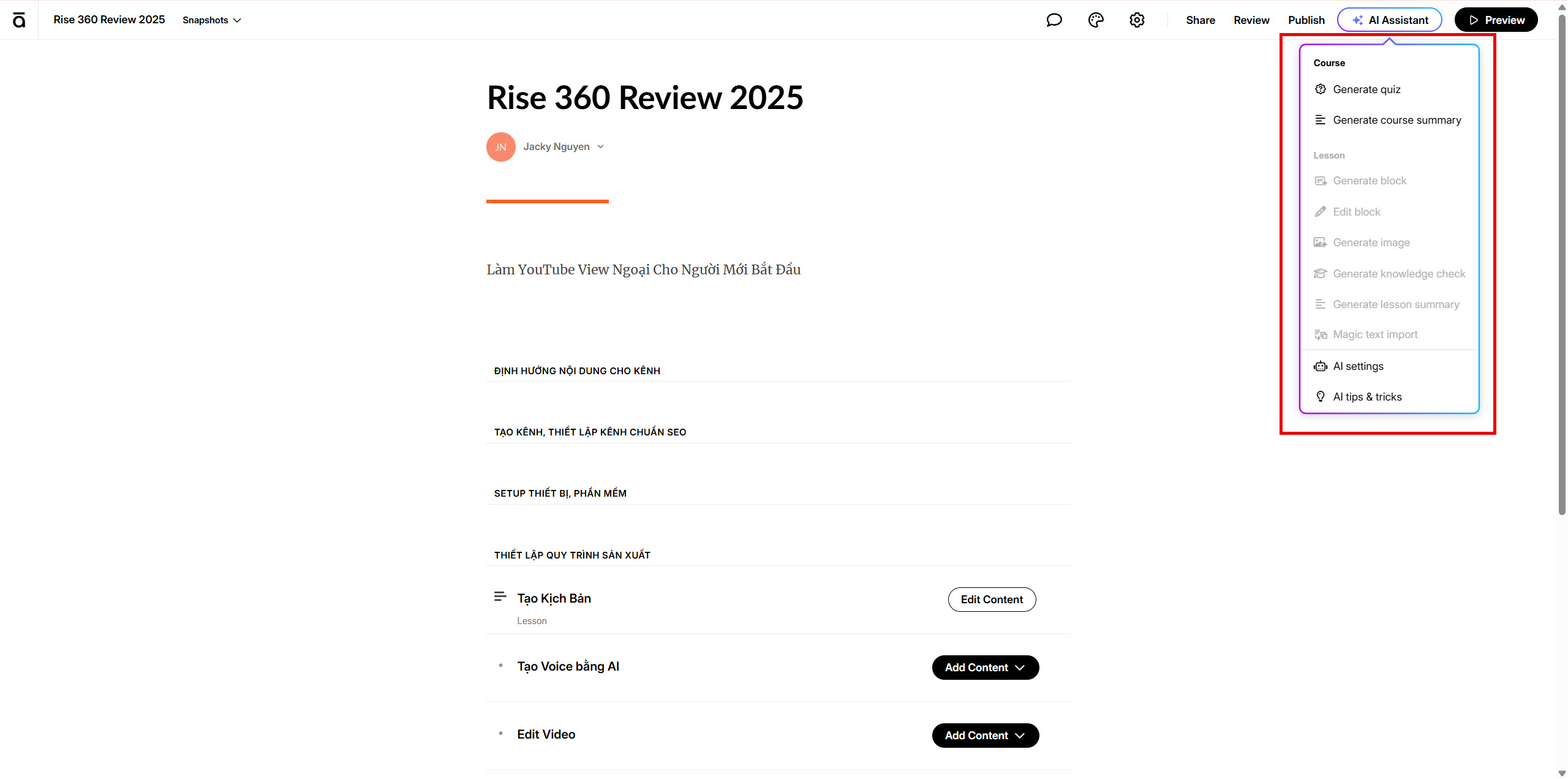
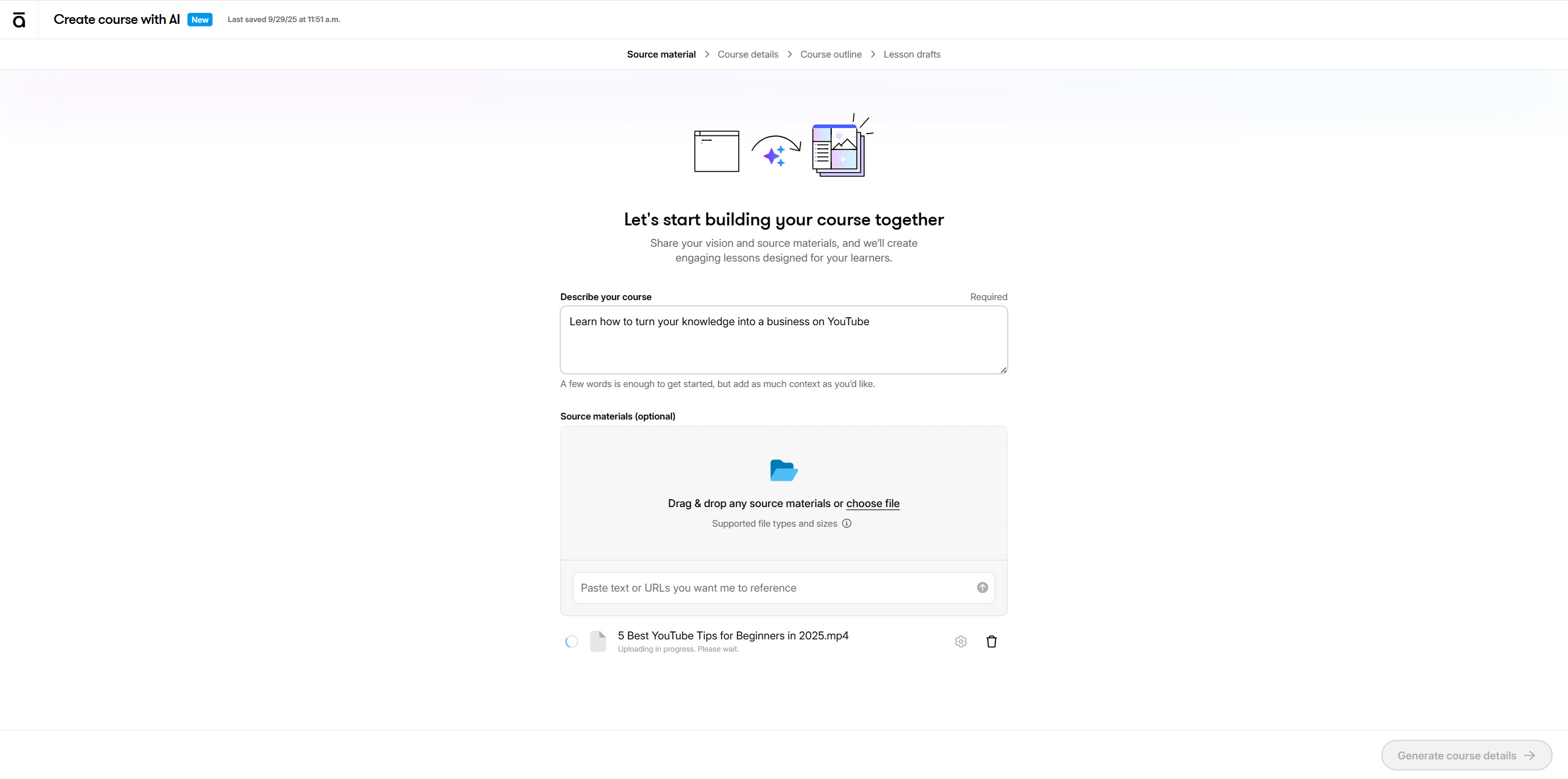
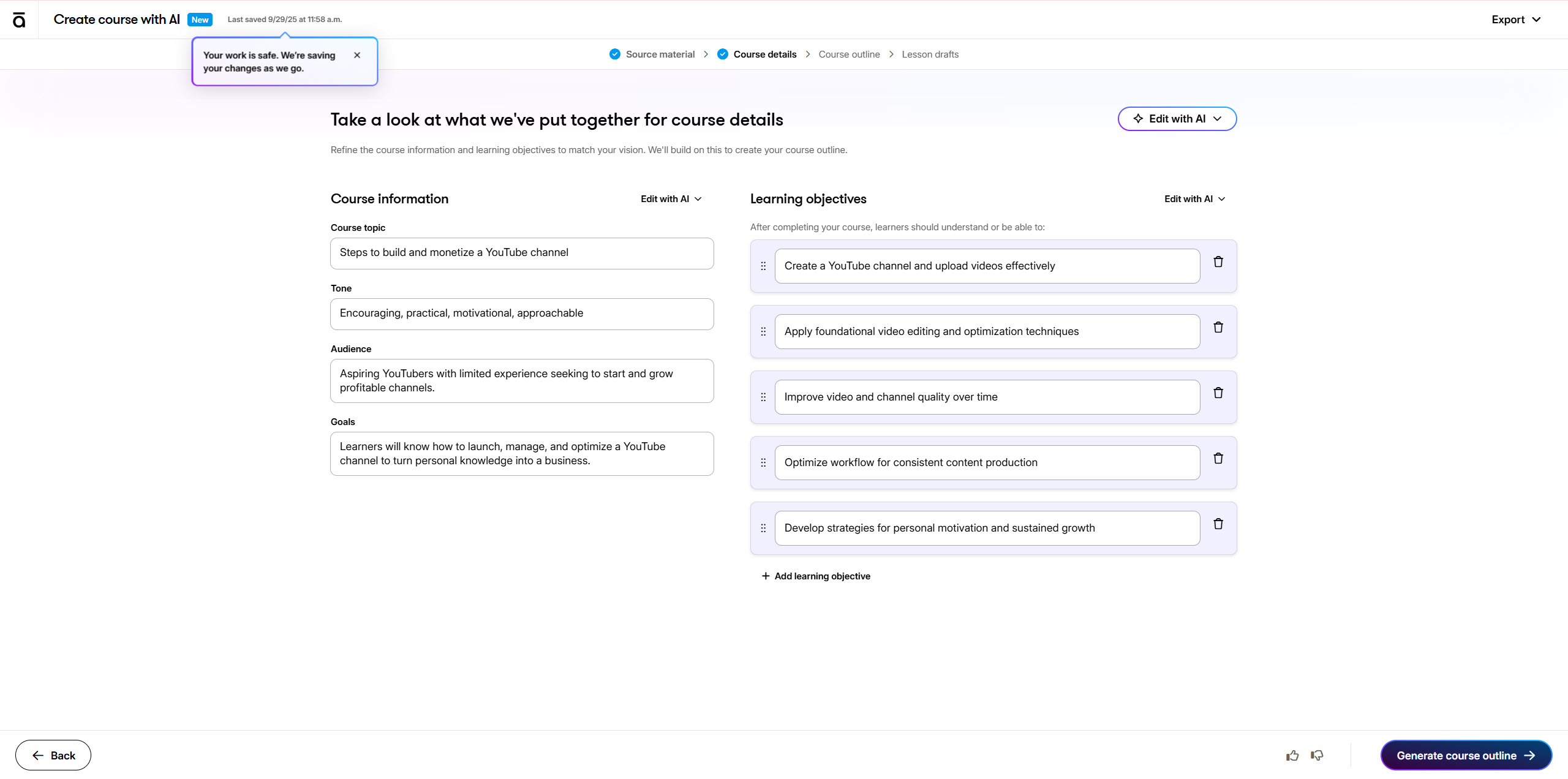
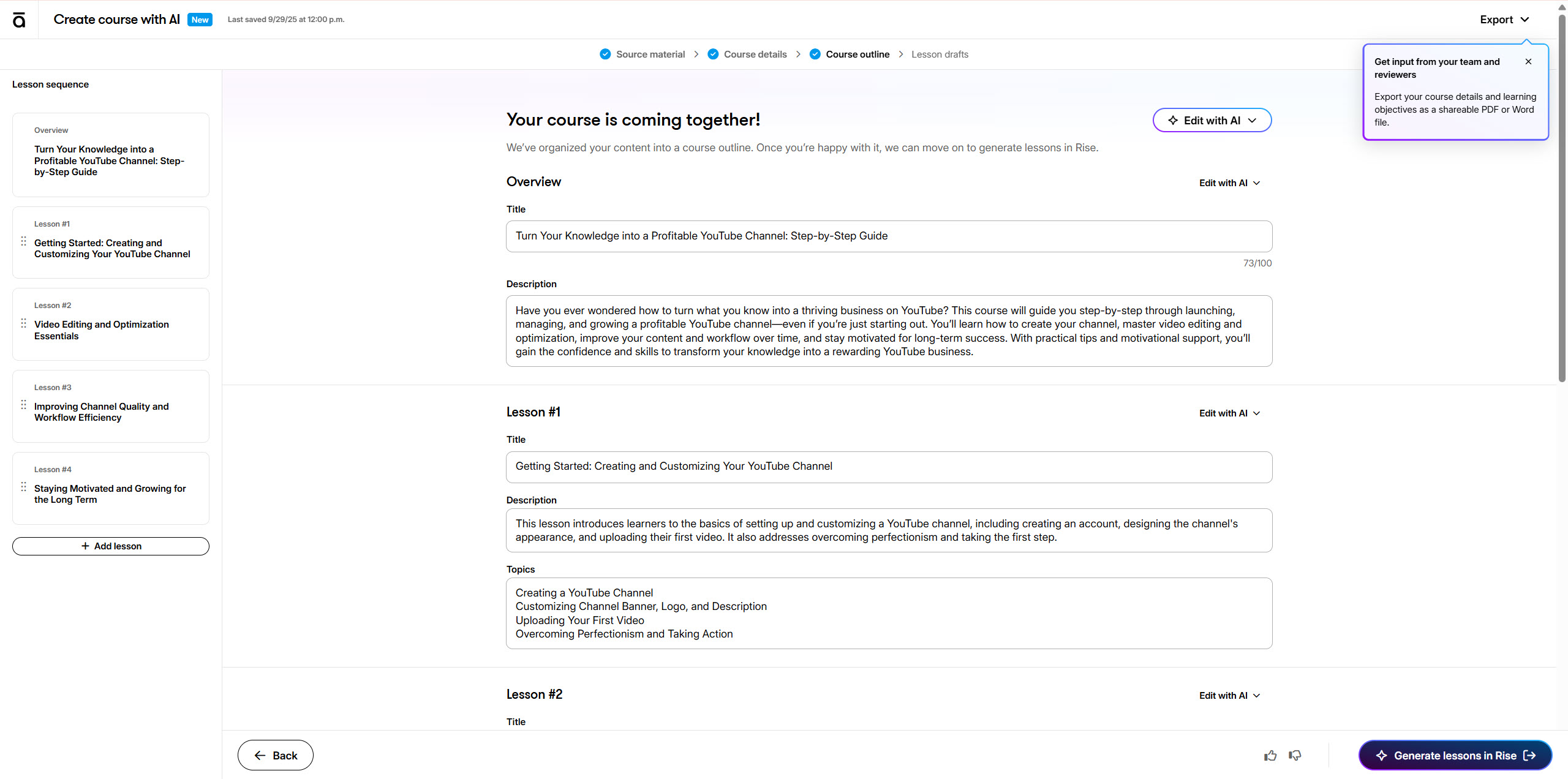
The AI Assistant is integrated directly into the authoring tool and packed with AI-powered features, including building and converting text blocks, generating quizzes and imagery, block generation, and composing copy. Users can create courses up to 9 times faster with AI assistance.
Responsive Design Excellence
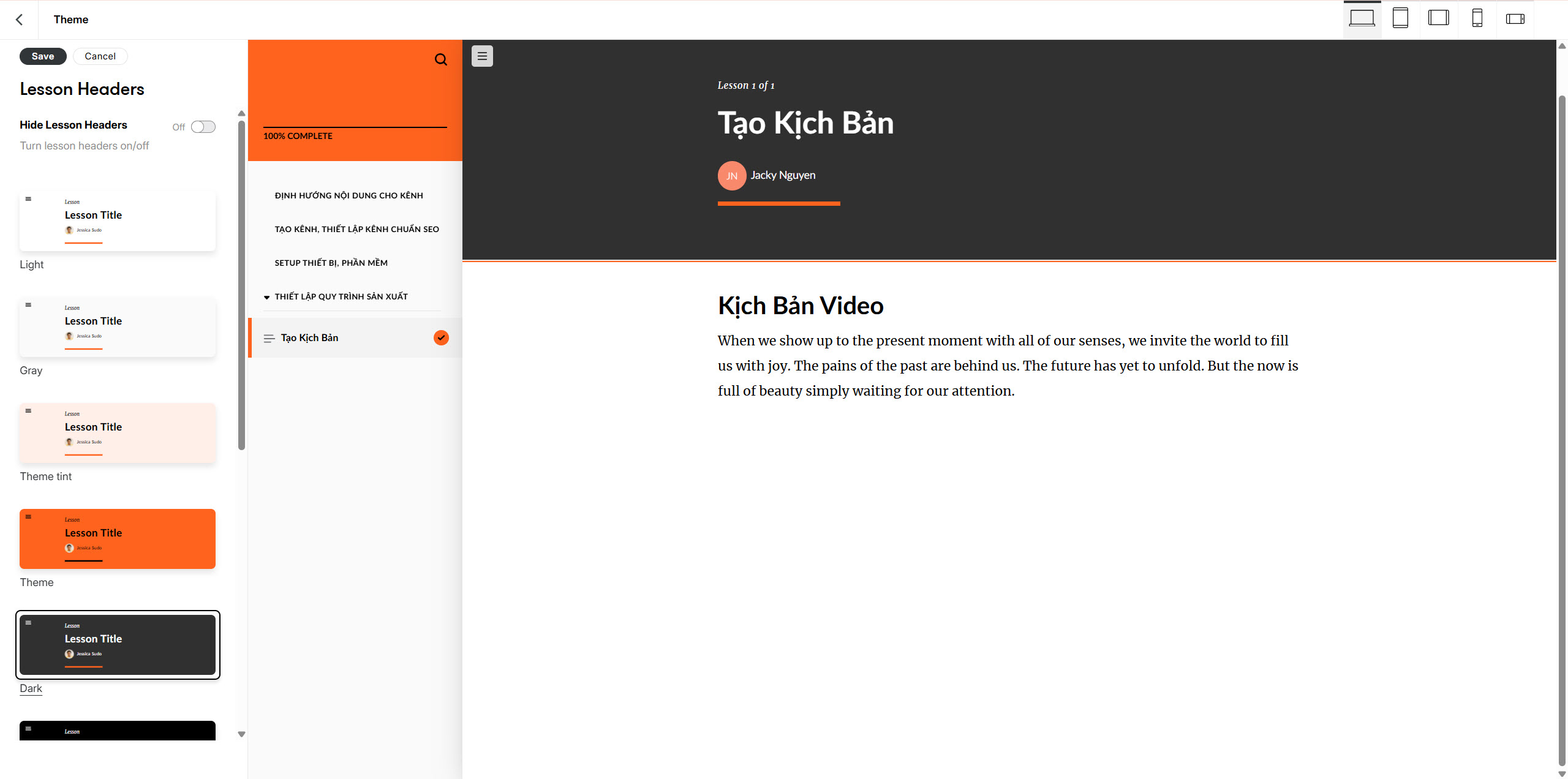
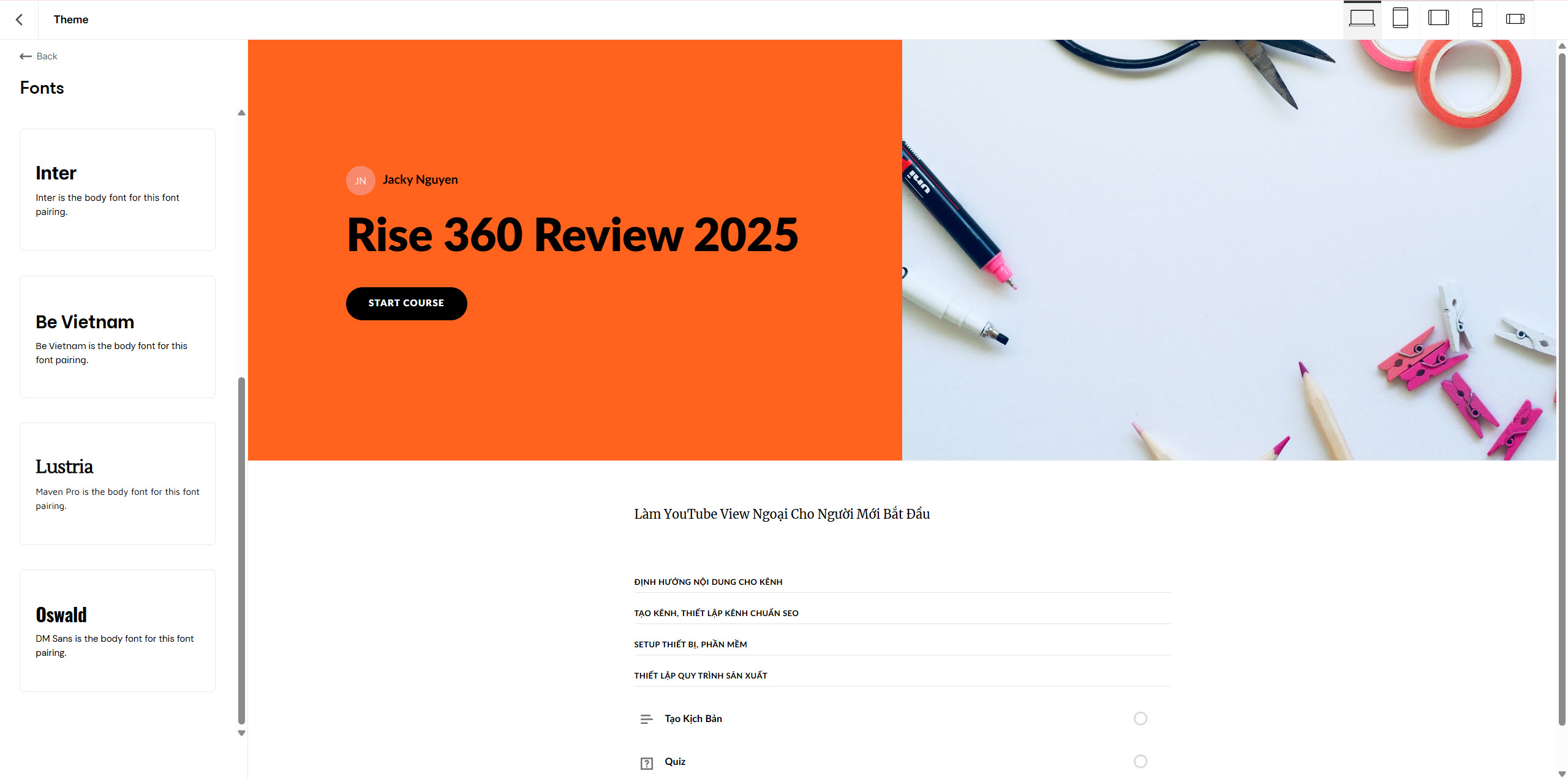
Build your course once and it automatically adapts for every device and orientation–beautifully. This ensures optimal learning experiences whether learners access content on desktops, tablets, or smartphones.
Modular Block System
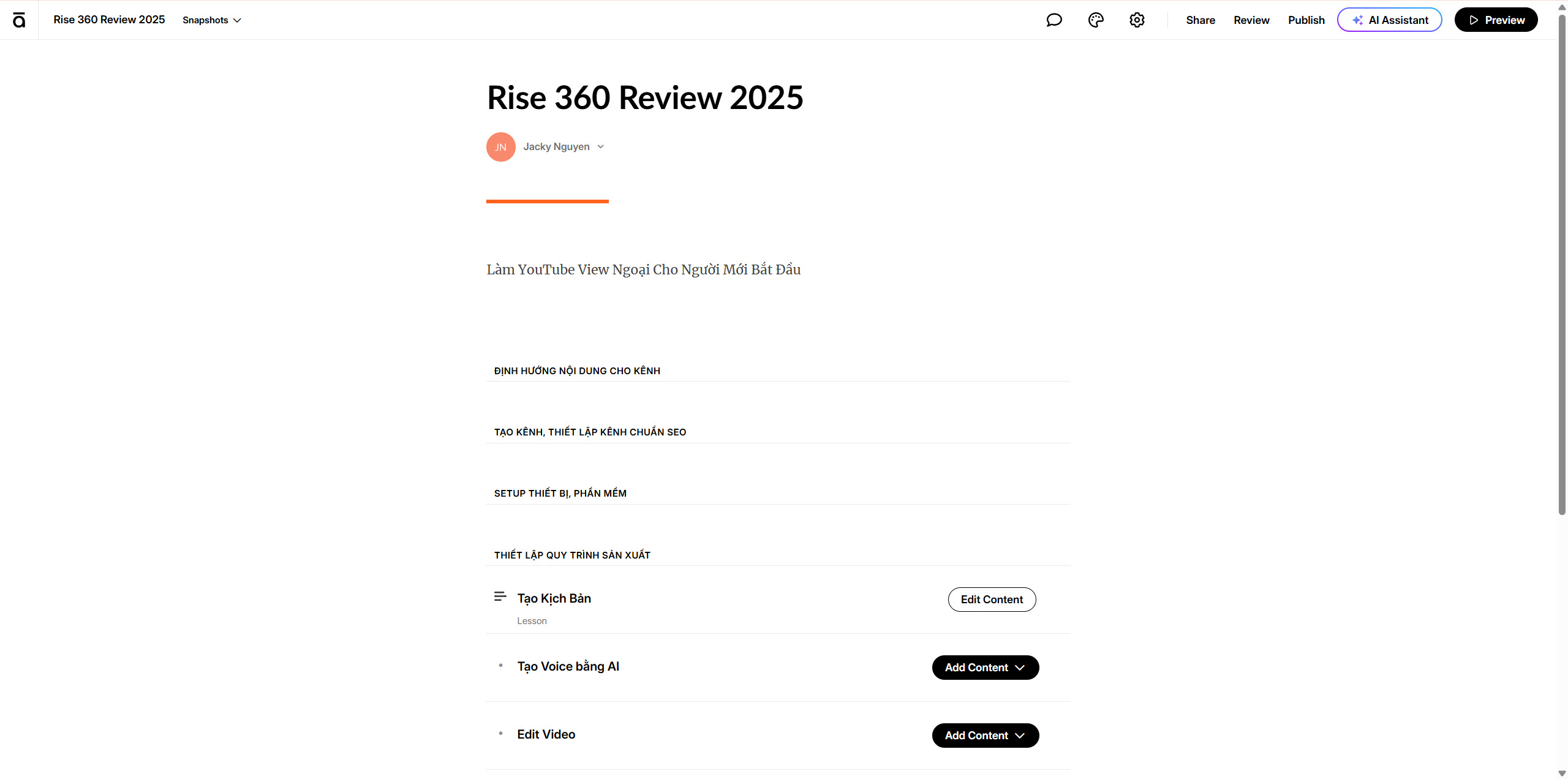
You simply stack and arrange modular media, text, and interactive blocks, then add your own content to create gorgeous training easily. This approach significantly reduces development time while maintaining professional aesthetics.
Collaboration Features
Finish projects faster by working with team members on your Articulate 360 Teams plan. Collaborate on courses by inviting team members to create and edit different lessons simultaneously.
Rise 360 Pricing
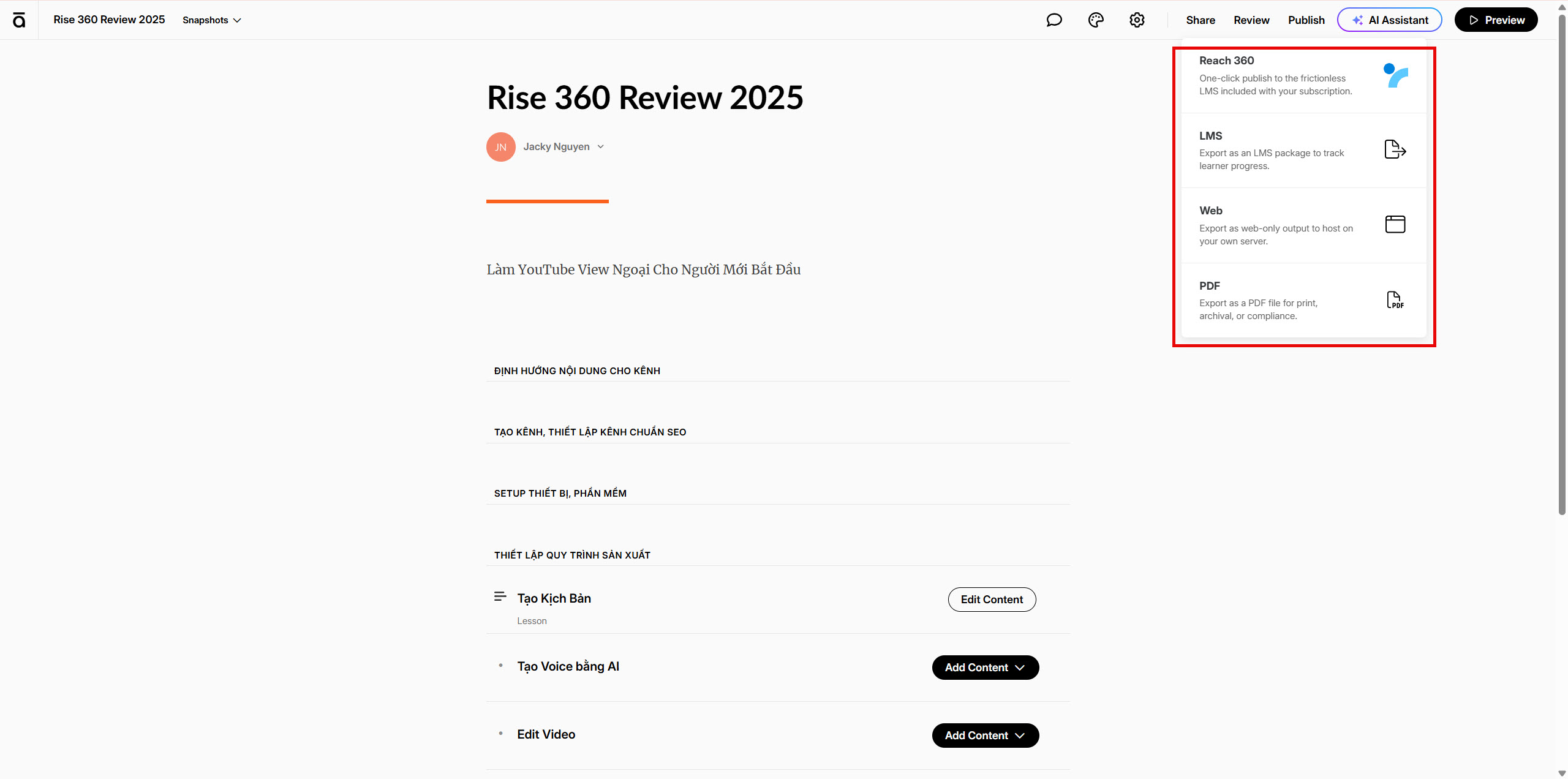
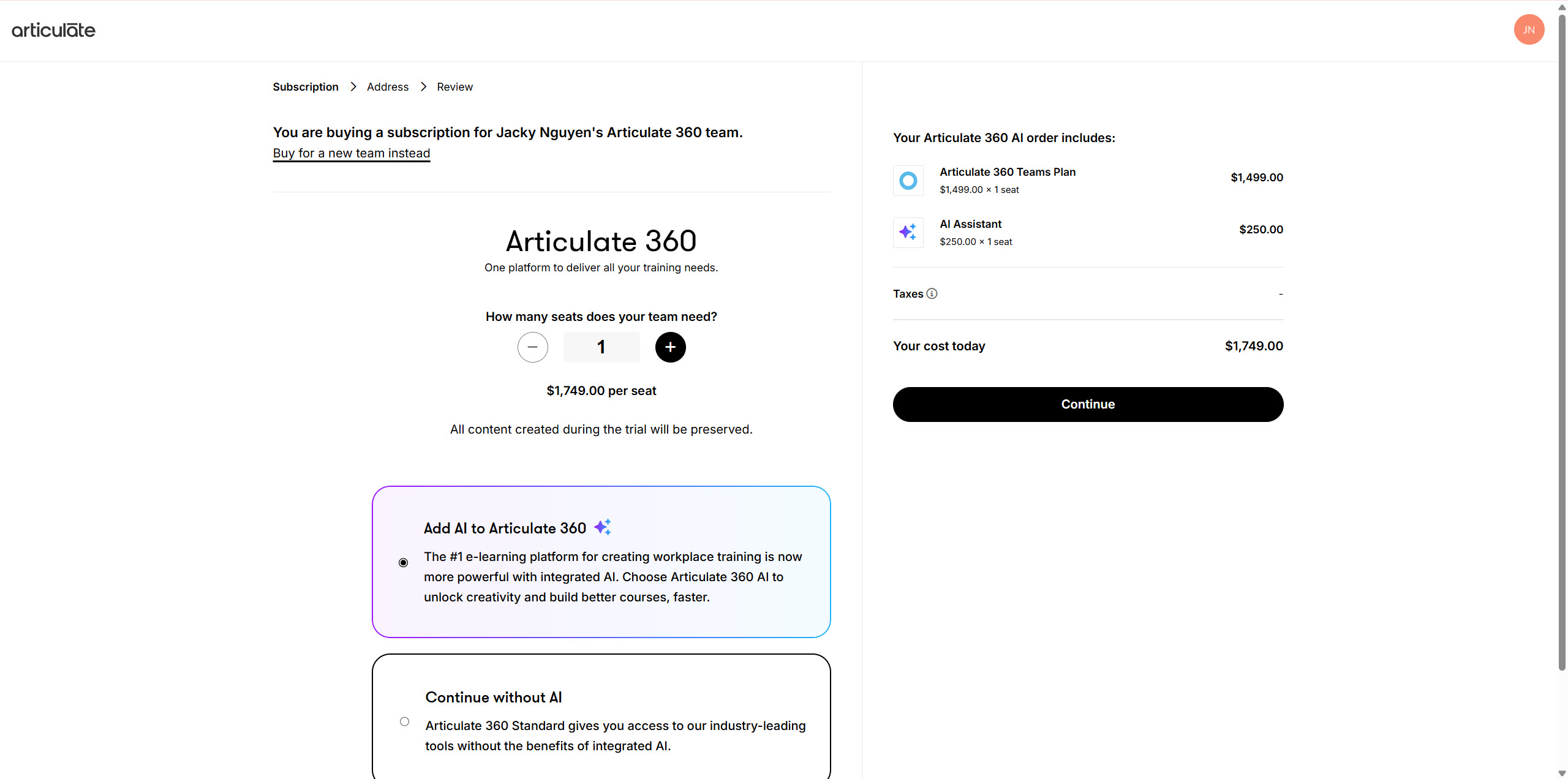
The annual subscription cost for Articulate 360 is $1,749.00 per individual user, granting access to the complete suite of Articulate tools, which includes Storyline 360, Rise 360, Review 360, and various other supplementary applications. Now they have AI Assistant as an option for you which cost $250. No special discount for you if you buy more seats.
Rise 360 Pros
- Zero Learning Curve: Came into creating elearning creation with no experience, Rise has minimal learning curve
- Professional Templates: Access to 1,000+ expertly designed course templates
- Seamless Review Process: The Review 360 option makes working with SMEs & stakeholders so easy
- Mobile Optimization: Automatic responsive design across all devices
- Cloud-Based Accessibility: Work from anywhere with internet connectivity
Rise 360 Cons
- Limited Customization: I would like a little more control over elements in Rise
- Brand Color Limitations: In Rise, you cannot save your own color palette, which makes using branded colors a bit of a headache
- Subscription Dependency: Ongoing annual costs for access
- Internet Requirement: Requires stable internet connection for optimal performance
- Expensive subscription plans in comparison with one-time payment authoring tools.

ActivePresenter 10 Detailed Review as a More affordable Alternative to Rise 360
ActivePresenter is an all-in-one eLearning authoring tool, screen recorder, and video editor designed to help educational institutions, training agencies, and online video marketers create videos, handouts, manuals, documentation, and interactive training presentations. It’s a destop-based authoring tool with AI assistant. You can use it to create any types of eLearning content from your laptop without the need of internet connection. In comparison with Rise 360, ActivePresenter is more powerful and more affordable in my point of view. If you want to use Rise 360, you have to subscribe to the whole package of Articulate 360 i.e $1749 per seat while ActivePresenter one time payment license is $399 only. This is ActivePresenter Pro, which is the highest license of the software.
Recently, the software was upgraded to version 10 with some interesting enhancements and AI assistant. You can watch below video for more information about the software:
Key Features of ActivePresenter 10
Comprehensive Screen Recording
ActivePresenter includes all the tools needed to record screen, annotate, edit screencast videos and create interactive eLearning contents in HTML5. The software captures each action as individual slides for detailed instructional content.
Multi-Modal Publishing
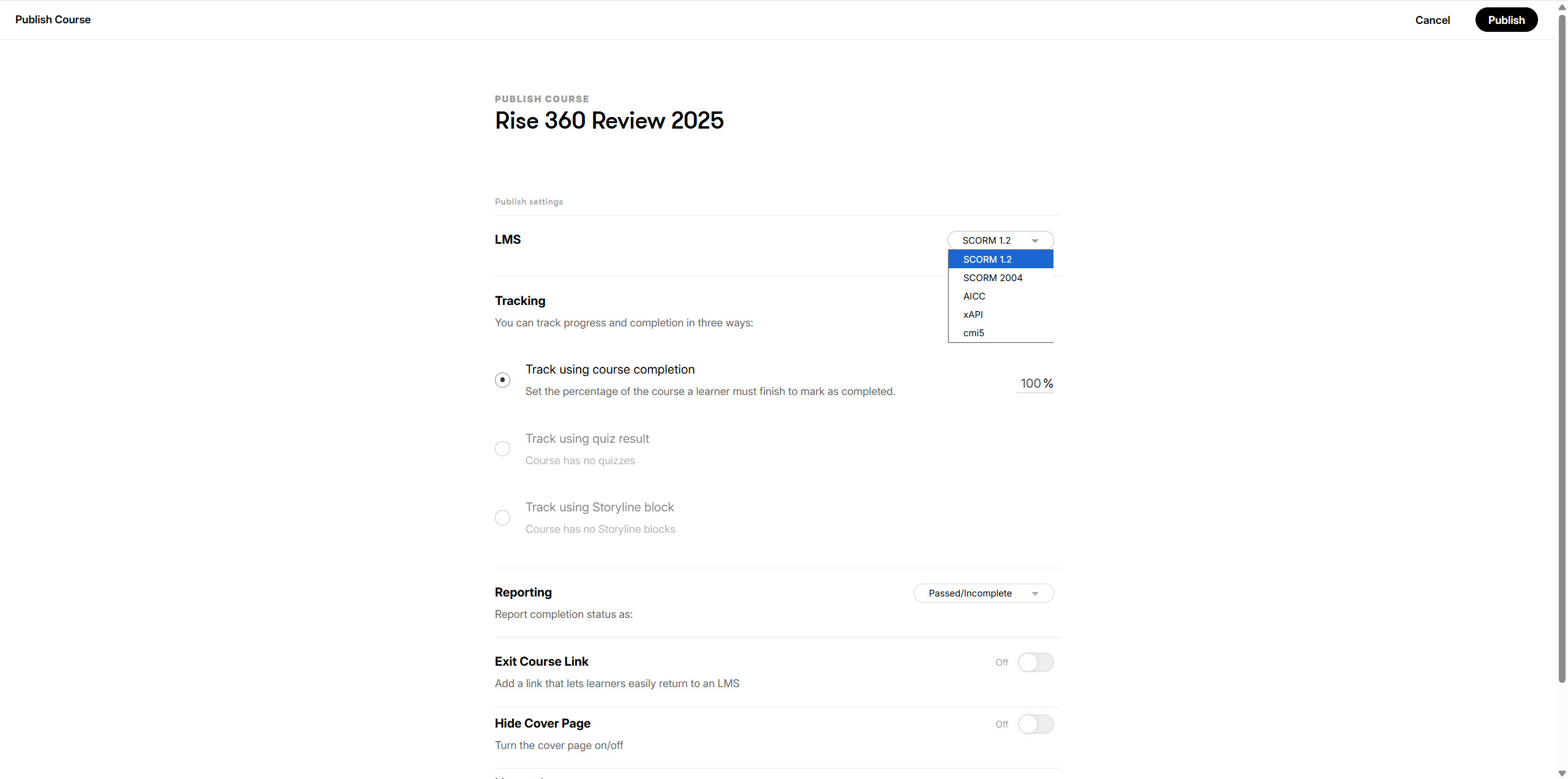
The application has an intuitive slide-based workflow, a robust set of eLearning development tools, multi-modal publishing (demo, tutorial, practice, and test modes) and one-click publishing to HTML5 and/or SCORM formats.
Advanced Video Editing
With ActivePresenter, users can add color, effects, numbering, bullet-point lists, shapes, animations, and transitions to videos. Advance audio effects include fade in/out, noise reduction, and audio normalization.
Interactive Content Creation
The platform supports creating quizzes, assessments, surveys, and educational games with customizable templates and themes.
ActivePresenter 10 Pricing
ActivePresenter cost depends on two plans: ActivePresenter Standard for $199/license and ActivePresenter Pro for $399/license. This represents a one-time purchase with perpetual licensing.
ActivePresenter 10 Pros
- Cost-Effective: I’m thrilled to have found a quality eLearning authoring tool at a reasonable price
- All-in-One Solution: Combines screen recording, video editing, and course authoring
- Powerful Customization: It is easy to learn, flexible, and powerful
- Excellent Support: The few times I have needed support, the team was very responsive and extremely helpful
- Perpetual License: One-time purchase with ongoing access
ActivePresenter 10 Cons
- Desktop Dependency: Not cloud-based, limiting collaborative features
- Learning Curve: More complex interface compared to Rise 360
- Limited Templates: Fewer pre-built course templates compared to Rise 360
- Stability Issues: Maybe it is my PC, but ActivePresenter is the usual application that behaves this way, I lost a few of my recordings to this crashing
Head-to-Head Comparison: Rise 360 vs ActivePresenter 10
Ease of Use Winner: Rise 360
Thanks to its simplicity, there’s next to no learning curve with Articulate Rise, making it significantly more user-friendly for beginners compared to ActivePresenter’s more complex interface.
Value for Money Winner: ActivePresenter 10
With a one-time cost of $199-$399 versus Rise 360’s $1,749 annual subscription, ActivePresenter offers superior long-term value, especially for individual users or small teams.
Collaboration Winner: Rise 360
All changes happen in real time with Rise 360’s cloud-based collaboration, while ActivePresenter lacks built-in collaborative features.
Customization Winner: ActivePresenter 10
ActivePresenter provides significantly more control over visual design, animations, and interactions compared to Rise 360’s template-based approach.
Mobile Learning Winner: Rise 360
Build your course once and it automatically adapts for every device and orientation–beautifully, while ActivePresenter requires additional optimization for mobile devices.
Content Creation Speed Winner: Rise 360
With AI assistance and modular blocks, Rise 360 enables faster course development, while ActivePresenter requires more time for detailed customization.
Use Case Scenarios
Choose Rise 360 If:
- You need rapid course development with minimal technical expertise
- Mobile responsiveness is critical for your learners
- Team collaboration is essential to your workflow
- You prefer cloud-based accessibility
- You’re creating projects with a lot of texts, images, or audio-visual elements
Choose ActivePresenter 10 If:
- Budget constraints favor one-time purchases over subscriptions
- Screen recording and video editing are primary requirements
- You need extensive customization and control over course design
- Desktop-based workflow suits your team structure
- Interactive eLearning course development deployed to corporate customers on LMS is your focus
2025 Market Trends and Recommendations
Industry Direction
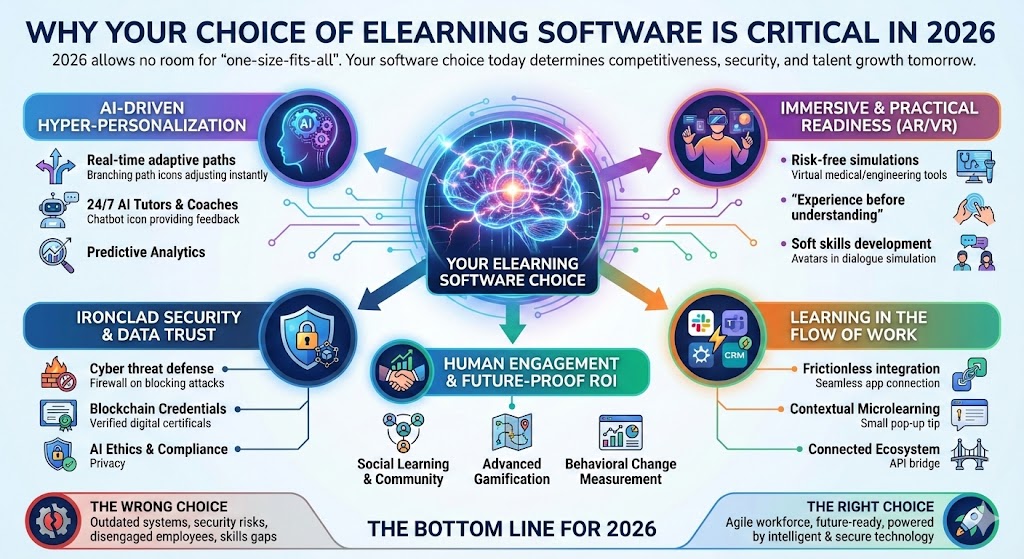
The eLearning authoring tool market increasingly favors cloud-based, AI-enhanced solutions that prioritize collaboration and mobile learning. Artificial intelligence (AI) is reshaping nearly every industry, and the eLearning world is no exception.
Future-Proofing Considerations
- AI Integration: Rise 360’s advanced AI features position it ahead for future developments
- Mobile-First Learning: Rise 360’s responsive design aligns with mobile learning trends
- Collaboration Needs: Remote and hybrid work environments favor Rise 360’s cloud-based approach
Final Verdict
For Enterprise and Large Teams: Rise 360’s collaborative features, mobile responsiveness, and rapid development capabilities justify the higher subscription cost, especially when considering team productivity gains.
For Individual Creators and Budget-Conscious Organizations: ActivePresenter 10’s one-time licensing, comprehensive feature set, and excellent value proposition make it the practical choice for cost-sensitive projects.
Best Overall: Rise 360 edges ahead for modern eLearning requirements, particularly for organizations prioritizing speed, collaboration, and mobile learning. However, ActivePresenter 10 remains an excellent choice for users requiring extensive customization at a fraction of the cost.
Both tools serve distinct market segments effectively, and the choice ultimately depends on your specific requirements, budget constraints, and long-term eLearning strategy.




![How to Purchase ActivePresenter 10 for the Best Price? [Updated 20% Off Discount Codes/Promotions]](https://jackydeals.com/wp-content/uploads/2025/10/ActivePresenter-10-Coupon-Codes.png)