 Jacky
Jacky WHAT IS ACTIVEPRESENTER 10 ABOUT?
As someone who has spent years in the content creation trenches—from recording detailed software tutorials to designing complex, interactive eLearning courses—I’ve used my fair share of software. I’ve struggled with the cumbersome process of juggling 3-4 different tools: one for screen recording, another for video editing, a third for designing interactive quizzes, and yet another for authoring documents. The workflow was not only clunky and expensive but also frequently plagued by compatibility issues.
That is, until I found ActivePresenter.
Initially, I came to ActivePresenter looking for a free alternative to Camtasia for screen recording. But the more I explored, the more I realized this wasn’t just a simple screen recorder. It is an all-in-one content factory, a powerful Swiss Army knife that every content creator should have in their toolkit. The latest release, ActivePresenter 10, further solidifies this position with groundbreaking upgrades, most notably the integration of Artificial Intelligence (AI).
In this detailed review, I won’t just list features mechanically. I will analyze them based on my real-world experience, pointing out the game-changing strengths that have saved me hundreds of hours and helped me produce high-quality products. I will also be candid about the inherent weaknesses you should consider before committing to it long-term. My goal is just to help you understand this software better. If you want to understand more, you can watch the introduction video below:
ACTIVEPRESENTER 10 PROS AND CONS
Pros:
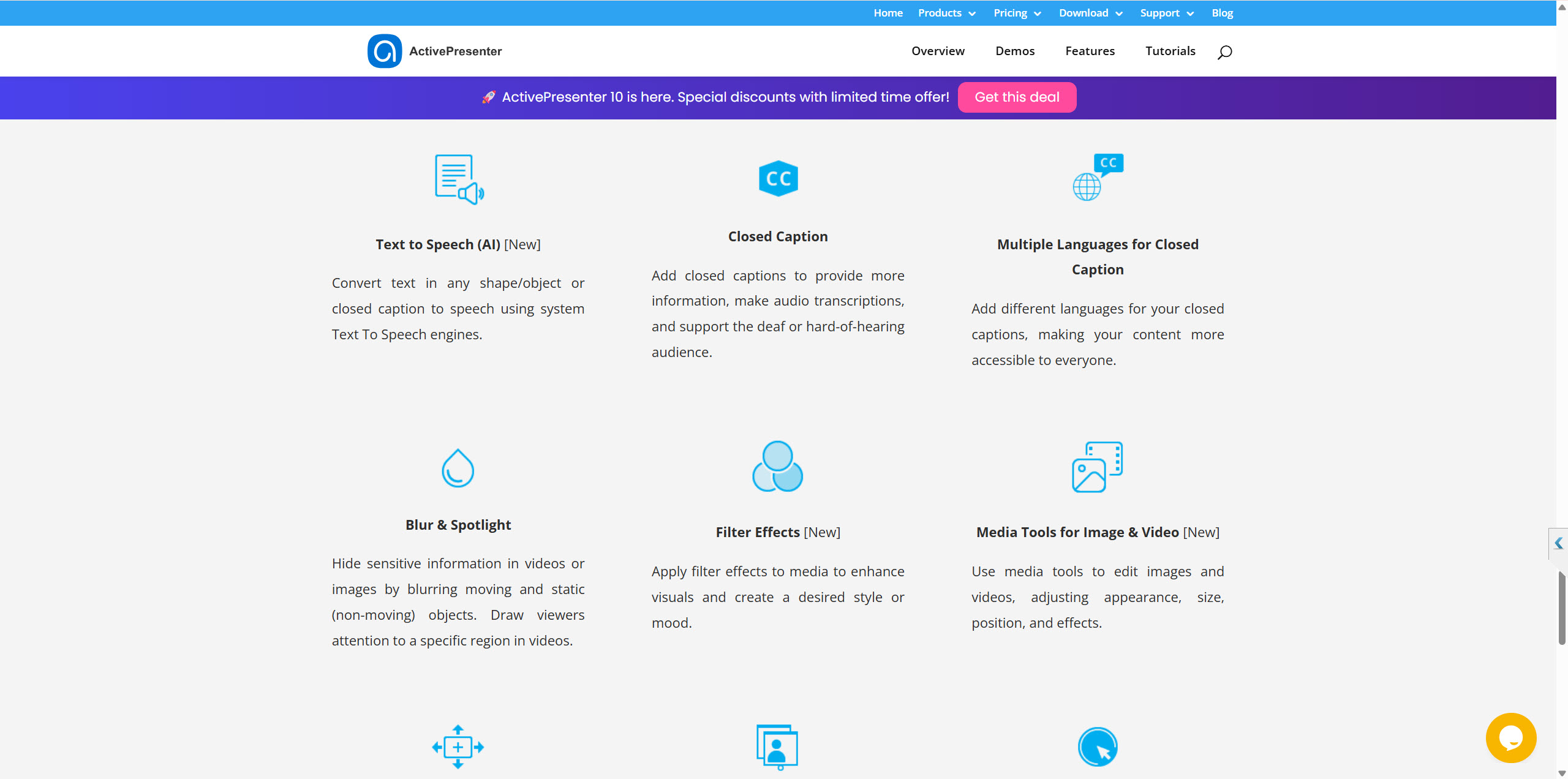
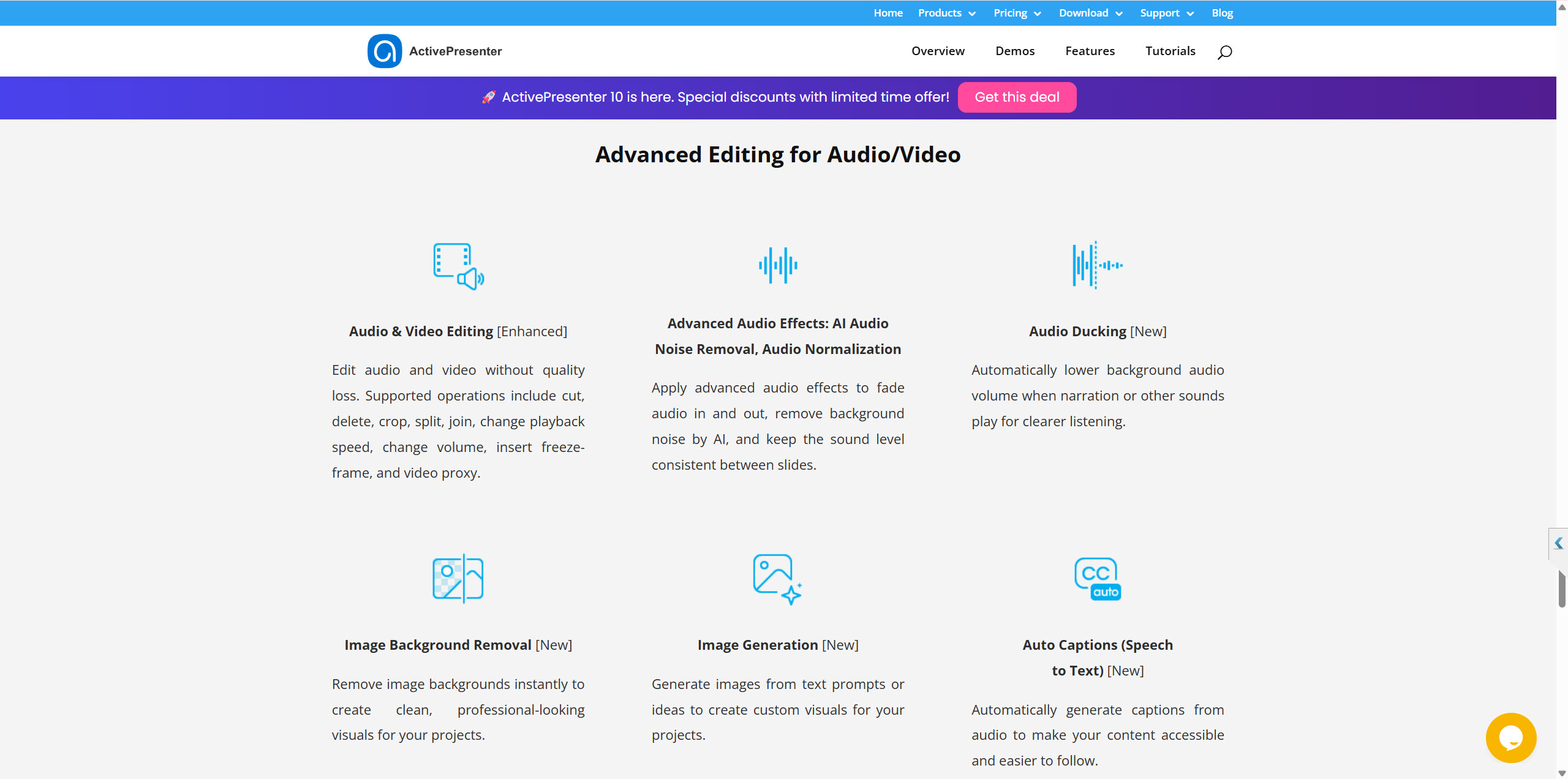
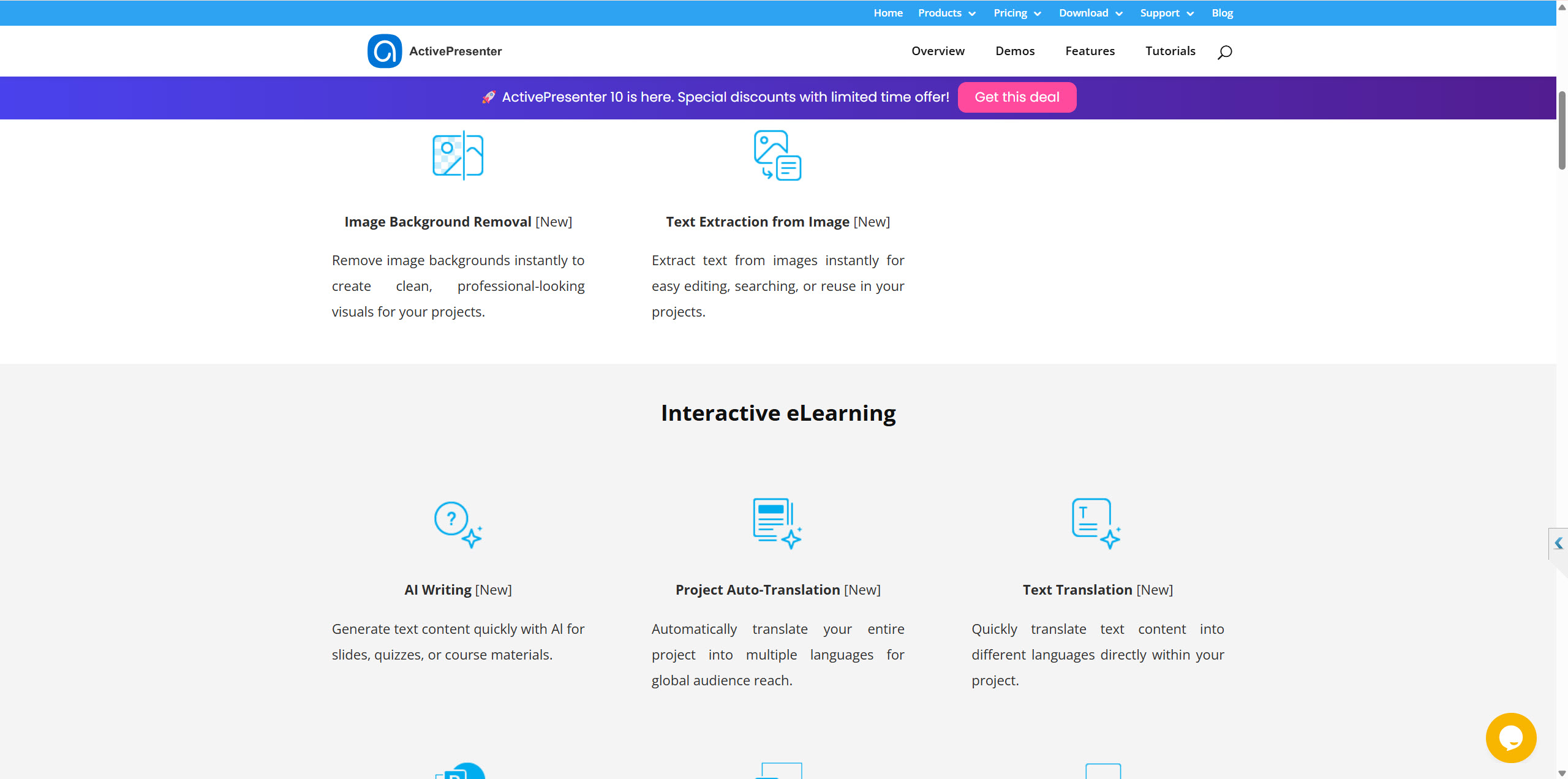
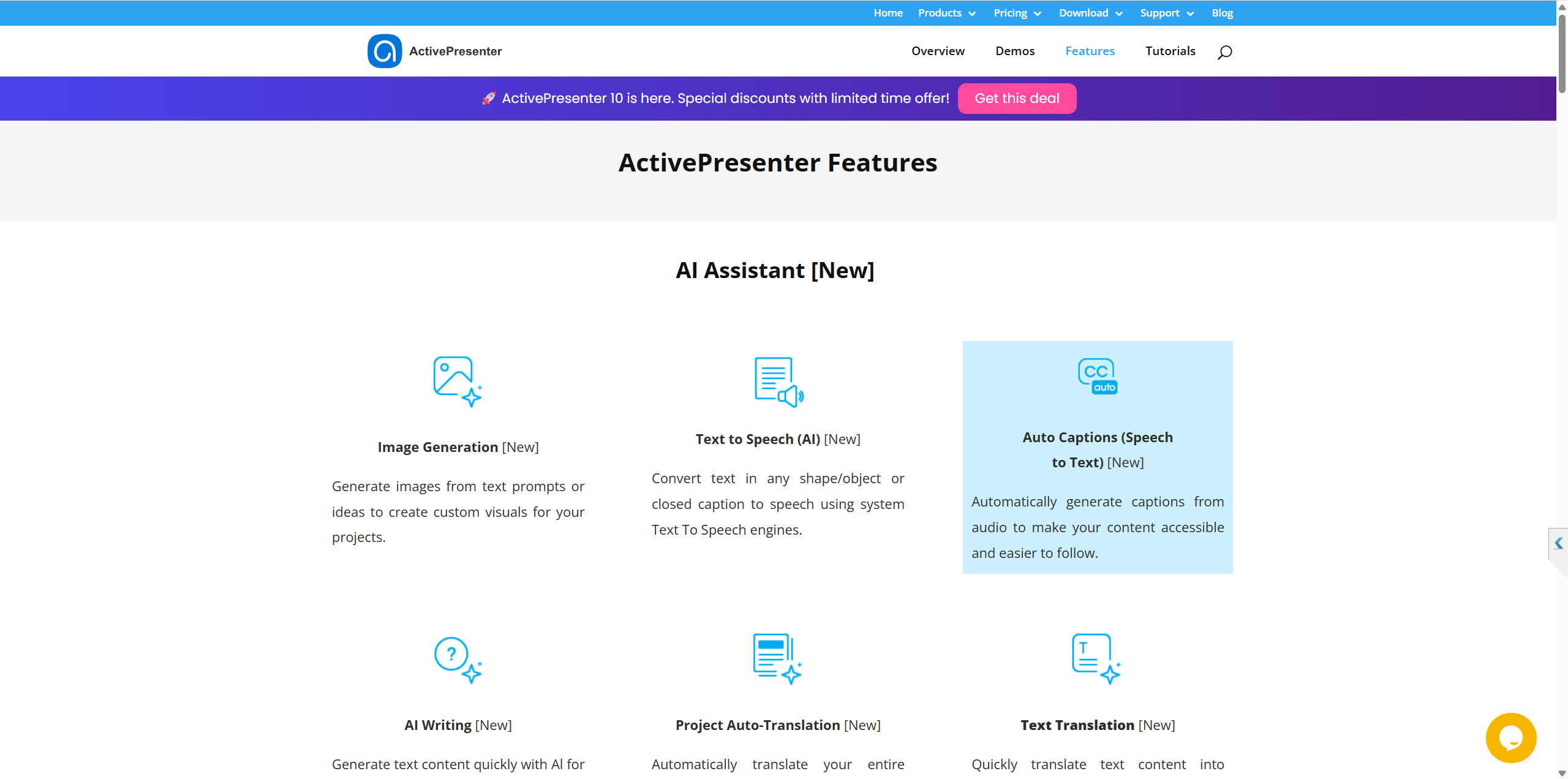
- AI-Powered Features: ActivePresenter 10 integrates AI to streamline content creation. This includes AI-powered text-to-speech with natural-sounding voices, AI writing assistance to improve clarity and tone, and project auto-translation for creating multi-language courses.
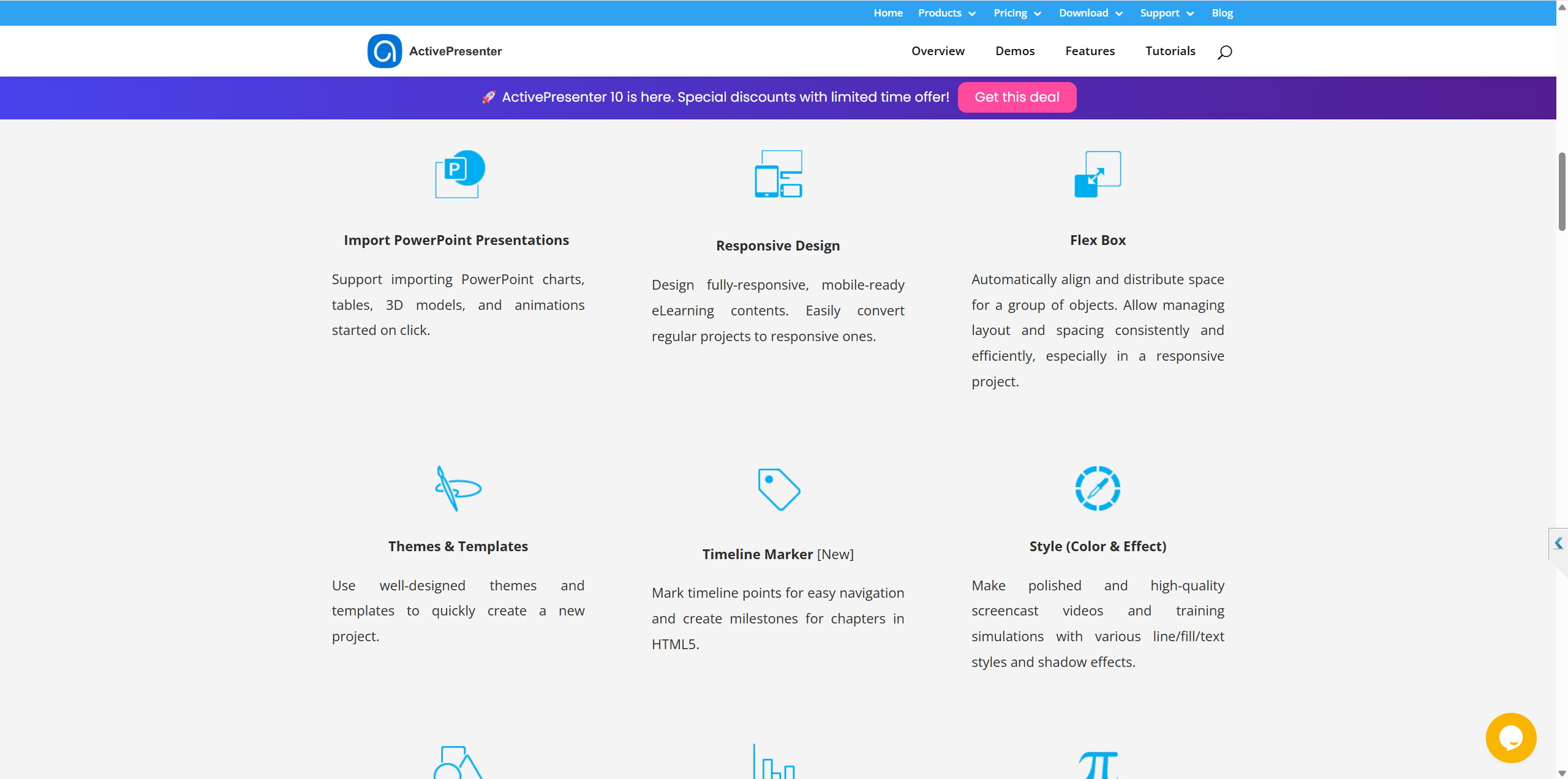
- Intuitive and Modern Interface: The user interface has been redesigned to be more intuitive and user-friendly, minimizing distractions and allowing creators to focus on their work. The inclusion of ready-made themes and templates helps to speed up the design process.
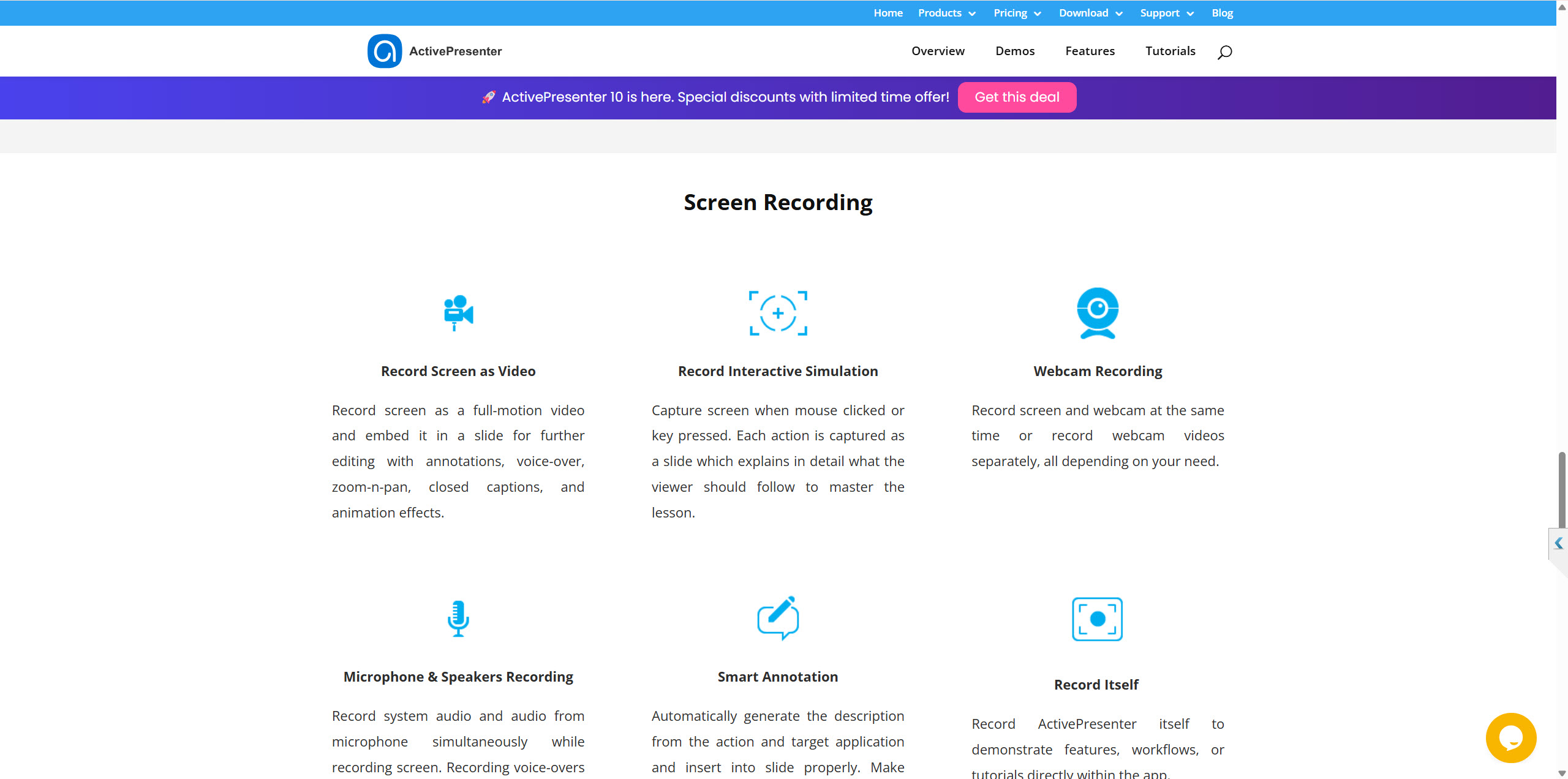
- Advanced Screen Recording and Simulation: ActivePresenter’s core strength in screen recording is further enhanced. The “Smart Capture” feature automatically creates slide-based simulations from screen recordings, complete with smart annotations.
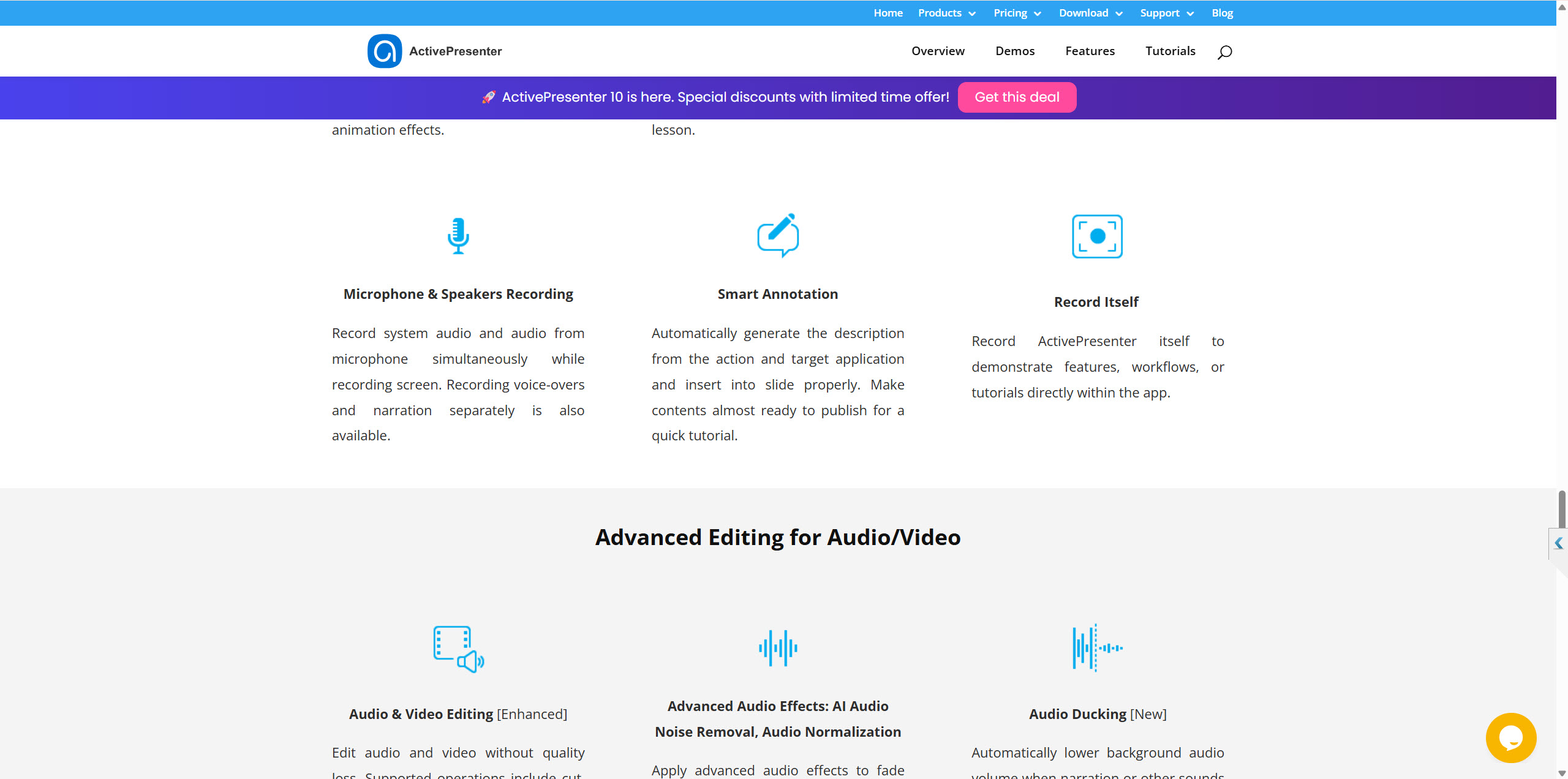
- Full-Featured Video and Audio Editor: The built-in editor offers a multi-track timeline, essential editing tools (cut, crop, change speed, etc.), animations, and effects. A new “Audio Ducking” feature automatically lowers background music when narration is present.
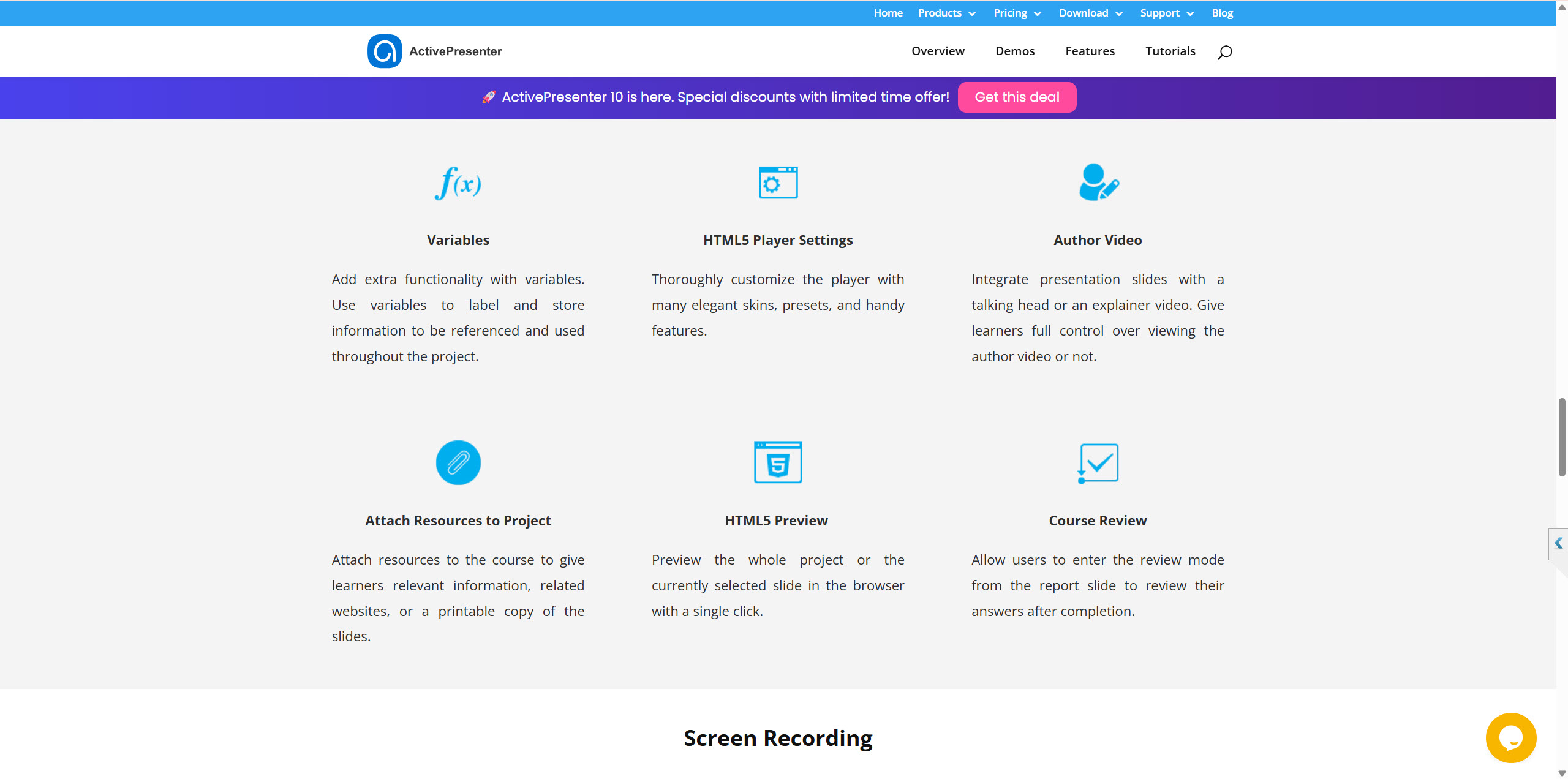
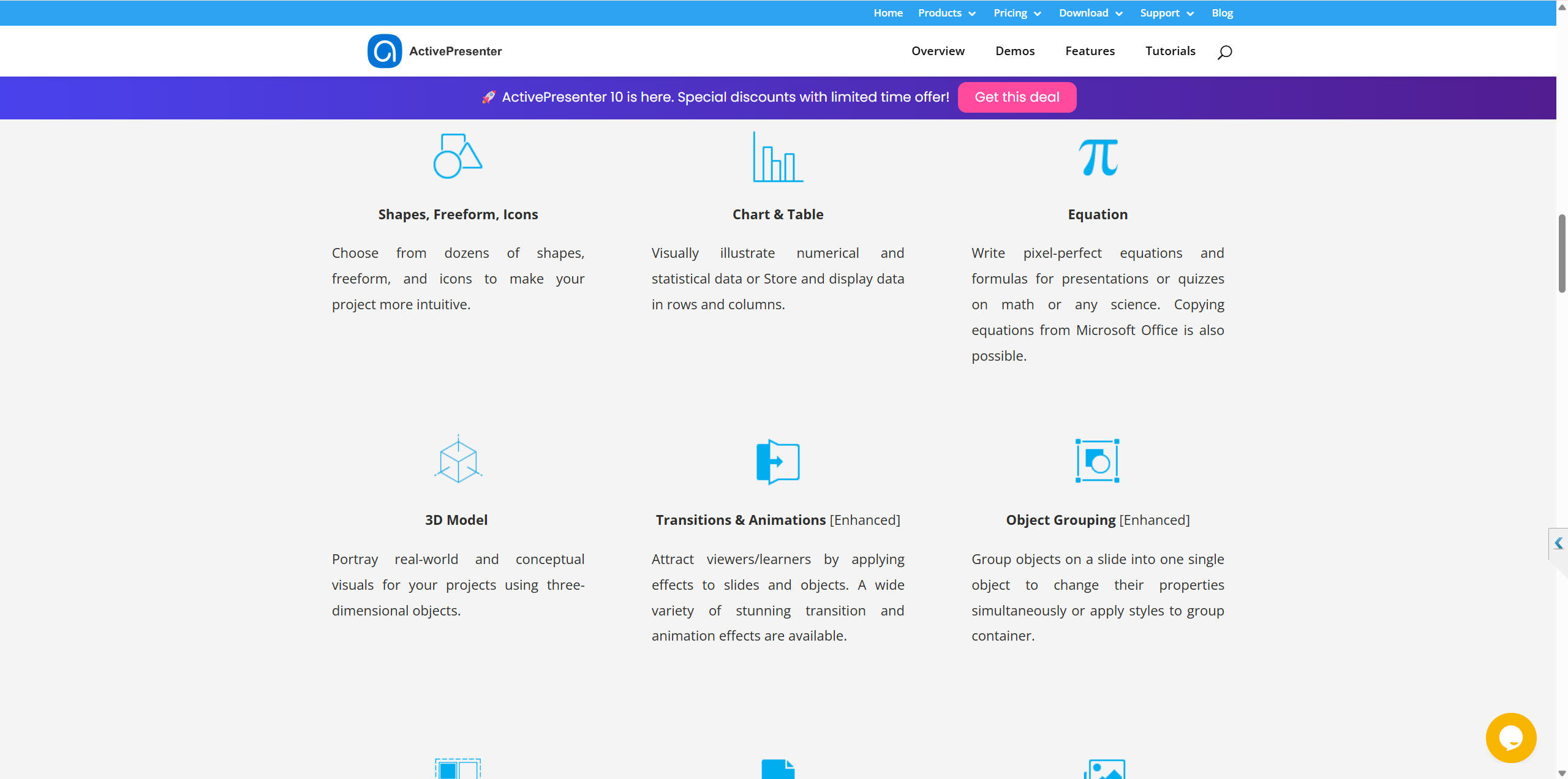
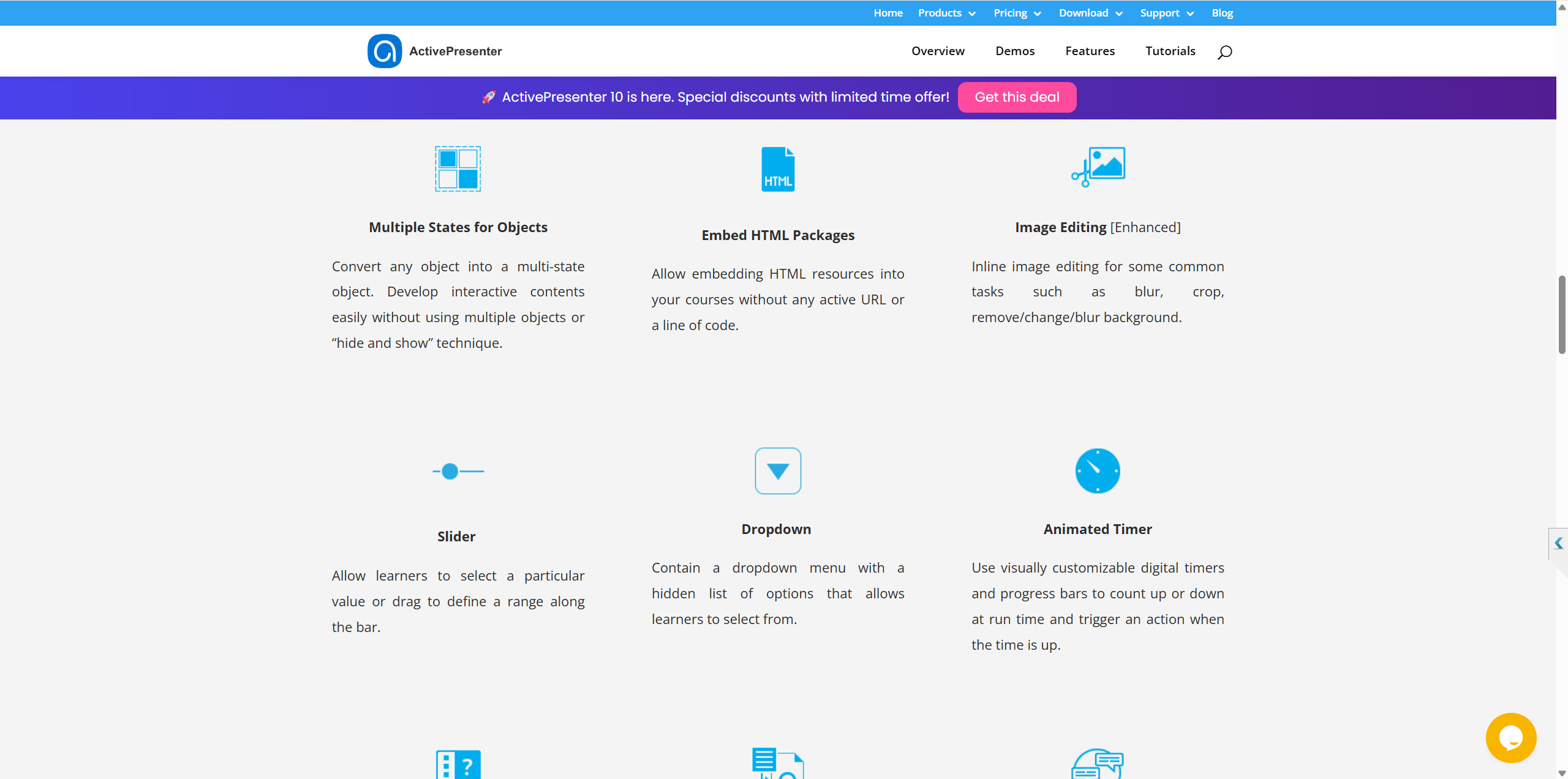
- Interactive eLearning Authoring: The software allows for the creation of highly interactive content with features like responsive design using FlexBox, object states, advanced actions, and variables for personalized learning experiences.
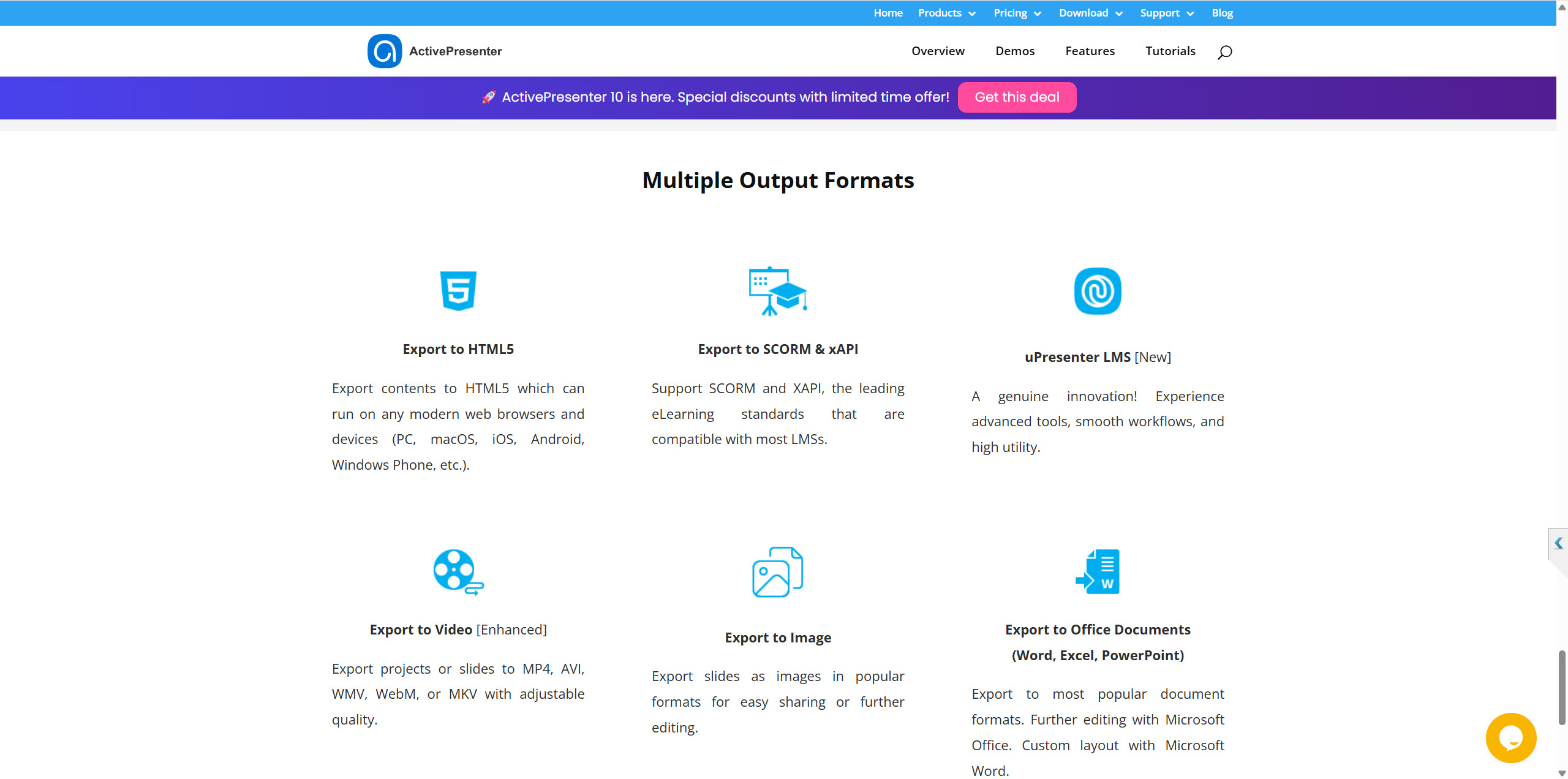
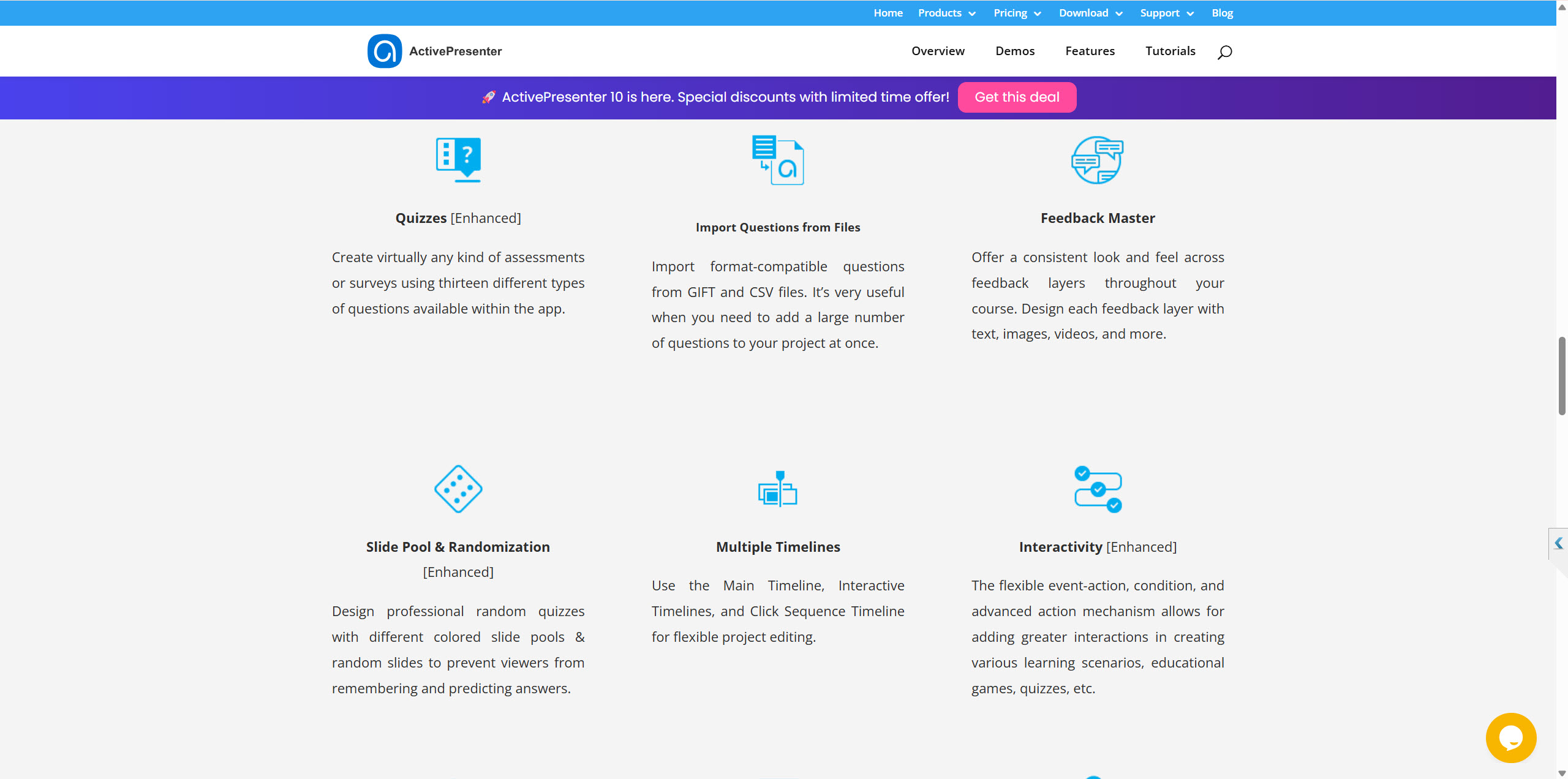
- Powerful Quizzing and Reporting: With 13 different question types, flexible feedback options, and seamless integration with Learning Management Systems (LMS) through SCORM and xAPI, ActivePresenter 10 is a robust tool for creating assessments.
- Perpetual Licensing: In a market dominated by subscription-based models, ActivePresenter stands out by offering a one-time purchase for a perpetual license.
- Generous Free Edition: The free version of ActivePresenter is remarkably full-featured, with the primary limitation being a watermark on certain outputs.
Cons:
- Learning Curve: While the interface is improved, the vast array of features can present a learning curve for new users, especially those who are self-taught.
- Functional, Not Flashy UI: Some users may find the user interface to be more functional than aesthetically flashy compared to some cloud-based alternatives.
- AI Credits System: While the AI features are a significant addition, they operate on a credit-based system. While new licenses come with a starting amount of credits, heavy users of the AI features will need to purchase additional credits.
ACTIVEPRESENTER 10 KEY FEATURES
ACTIVEPRESENTER 10 PRICING PLANS:
ActivePresenter 10 is available in three editions with a one-time perpetual license fee. Being noticed that their pricing plans could be changed according to the company’s will. Check out their current pricing plans at Atomisystems at the time you want to purchase a license. Don’t forget to find an ActivePresenter discount coupon code on Jackydeals to save your money too.
- Free Edition: For personal and non-commercial use. It includes most of the features of the paid versions but adds a watermark to certain outputs.
- ActivePresenter Standard: Priced at $199 per license, this edition is aimed at users who want to create high-quality videos and export to various media and document formats.
- ActivePresenter Pro: Priced at $399 per license, this is the full-featured version with all the interactive eLearning authoring capabilities, including HTML5 and SCORM export for LMS integration.
- ActivePresenter Pro EDU: A discounted version of the Pro edition is available for students, teachers, educational institutions, and non-profit organizations for $199 per license.
Volume discounts are also available, starting from a 20% discount for 2-5 licenses.
WHERE TO DOWNLOAD ACTIVEPRESENTER 10:
The latest version of ActivePresenter 10 for both Windows and macOS can be downloaded from the official Atomi Systems website:



![How to Purchase ActivePresenter 10 for the Best Price? [Updated 20% Off Discount Codes/Promotions]](https://jackydeals.com/wp-content/uploads/2025/10/ActivePresenter-10-Coupon-Codes.png)