
We all know that gaming laptops need to be powerful enough to play your favorite games without lag. Added to that, it has to be lightweight so that you can easily bring a long during the day. It’s great that you have a laptop that is suitable for either work or play. However, with less than $1000, there are not so many options to go. In this article, we’ll get you covered with top 10 best gaming laptops under $1000 you can buy just now. We hope you enjoy the list.
Top 10 Gaming Laptops Under $1000 You Can Buy Now

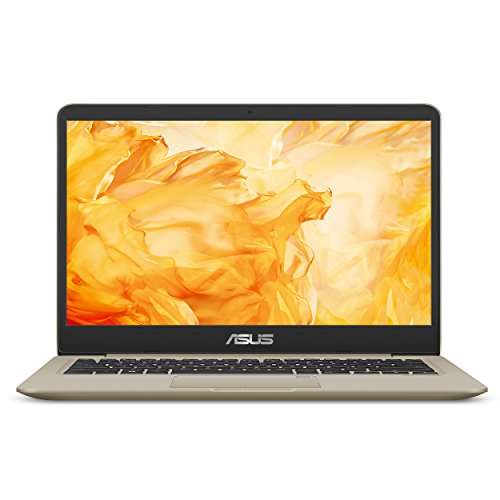
ASUS VivoBook S Thin & Light Laptop, 14" FHD, Intel Core i7-8550U, 8GB RAM, 256GB SSD, GeForce MX150, NanoEdge Display,...
- 8th Generation Intel Core i7-8550U (Turbo up to 4.0GHz) quad-core processor and dedicated NVIDIA GeForce MX150 graphics 2GB
- 8GB DDR4 RAM and 256GB SSD
- 14" Full HD WideView display with up to 178° WideView and ASUS NanoEdge bezel for a stunning 77% screen-to-body ratio
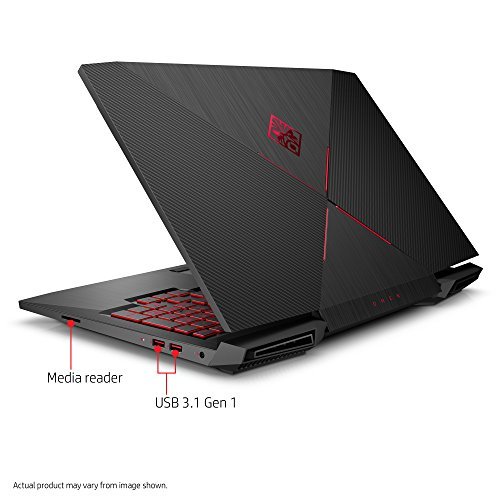
HP OMEN 15-CE011DX 15.6" Gaming Laptop, Intel Core i7-7700HQ/2.80G Quad-Core, 1TB 7200RPM MR, 8GB, 802.11ac, BT, WEBCAM NVIDIA-GEFORCEGTX1050, W10H 64-Bit...
- This Certified Refurbished product has been tested and certified to work and look like new, with minimal to no signs of wear, by a manufacturer or specialized third-party seller approved by Amazon. The product is backed by a minimum 90-day warranty, and may arrive in a generic brown or white box.
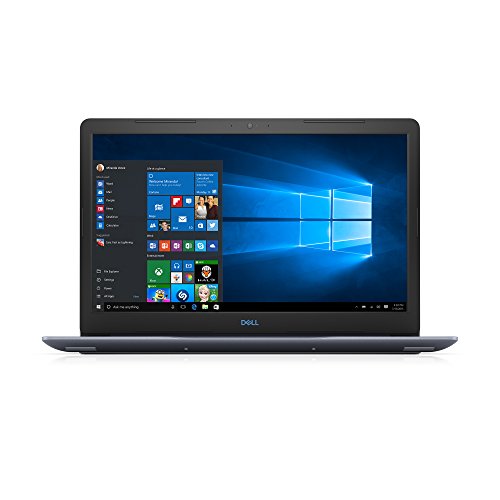
Dell G3779-7934BLK-PUS Gaming Laptop 17" LED Display - 8th Gen Intel Core i7-8750H, 8GB Memory, 128GB SSD+1TB HDD, NVIDIA GeForce...
- 8th Generation Intel Core i7-8750H Processor (6-Core, 9MB Cache, up to 3.9GHz w/Turbo Boost)
- 8GB 2666MHz DDR4 up to 32GB
- 128 GB (SSD) Boot + 1 TB 5400 RPM SATA HDD Storage, No ODD
- 17.3-inch FHD (1920 x 1080) IPS Anti-Glare, LED-Backlit Display

2018 Premium Dell Inspiron 17 5000 17.3 inch FHD IPS Laptop (Intel Core i7-8550U 1.8GHz, AMD Radeon 530, MaxxAudio, Backlit...
- 17.3 in Full HD IPS TrueLife LED-backlit Display (1920 x 1080), AMD Radeon 530 with 4GB GDDR5
- 8th Gen Intel Quad-Core i7-8550U 8MB cache,( 1.8GHz turbo boost up to 4.00 GHz), Media Card Reader for SD card formats, DVD-RW

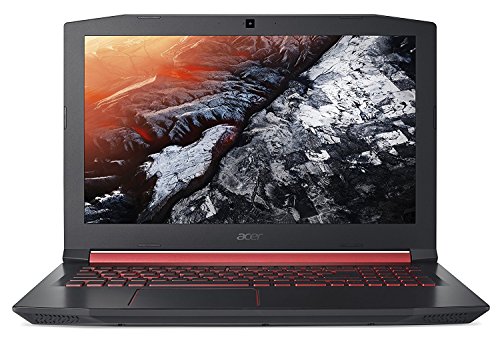
2018 Flagship Acer Nitro 5 Gaming VR Ready Laptop (15.6 Inch FHD Display, Intel Core i5-7300HQ 2.5GHz, 8GB RAM, 256GB...
- 15.6" diagonal FHDLED-backlit (1920 x 1080) Display, NVIDIA GeForce GTX 1050 with 4GB GDDR5 graphics memory
- 7th Gen Intel Core i5-7300HQ Processor (2.5 GHz, turbo boost up to 3.5 GHz, 6 MB cache), Backlit Keyboard
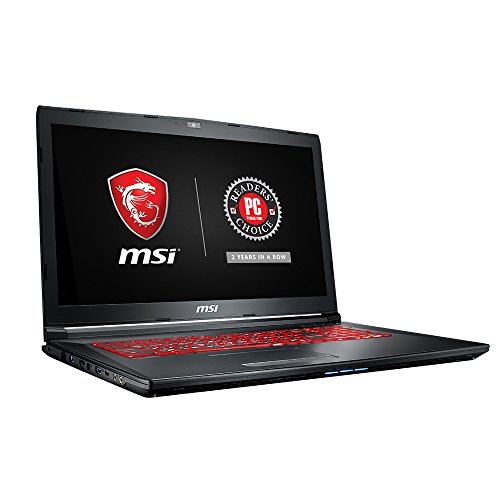
MSI GL72M 7RDX-800 17.3" Performance Gaming Laptop i7-7700HQ GTX 1050 2G 8GB 128GB SSD+1TB SteelSeries Red KB
- Display: 17.3" Full HD eDP Non Reflection 1920x1080 | Operating System: Windows 10
- Processor: Intel Core i7-7700HQ (2.8-3.8GHz)
- Graphics Card: NVIDIA's GTX 1050 2G GDDR5
- RAM: 8GB DDR4 2400MHz | Hard Drive: 128GB SSD M.2 SATA + 1TB (SATA) 5400rpm

2018 Premium Dell G3 15.6 Inch FHD IPS Gaming Laptop (Intel Core i7, 2.2GHz up to 4.1 GHz, 16GB DDR4...
- 15.6 in Full HD LED (1920 x 1080), NVIDIA GeForce GTX 1050 Ti with 4GB GDDR5 graphics memory
- Intel Core i7-8750H 9MB cache, 2.20 GHz up to 4.10 GHz, 802.11ac, Bluetooth
- 16GB DDR4, 128GB SSD + 1TB HDD, No Optical Drive, Waves MaxxAudio Pro
2018 Premium Dell G3 15 357915.6 Inch FHD IPS Gaming Laptop (Intel Core i7, 2.2 GHz up to 4.1 GHz,...
- 15.6 in Full HD LED (1920 x 1080), NVIDIA GeForce GTX 1050 Ti with 4GB GDDR5 graphics memory
- Intel Core i7-8750H 9MB cache, 2.20 GHz up to 4.10 GHz, 802.11ac, Bluetooth
- Choose from a) 8GB/12GB/16GB/24GB/32GB DDR4 RAM; and b) 1st HDD (boot) 128GB/256GB/512GB/1TB SSD for better performance; and c) optional 2nd Optical Drive: 1TB/2TB Hard Drive for extra storage space; A solid State Drive (SSD) will boost the overall performance for the computer
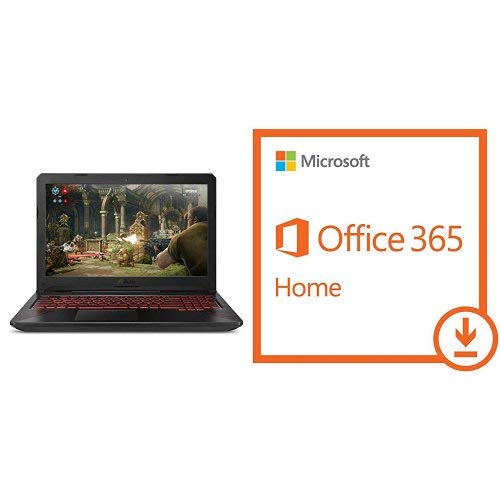
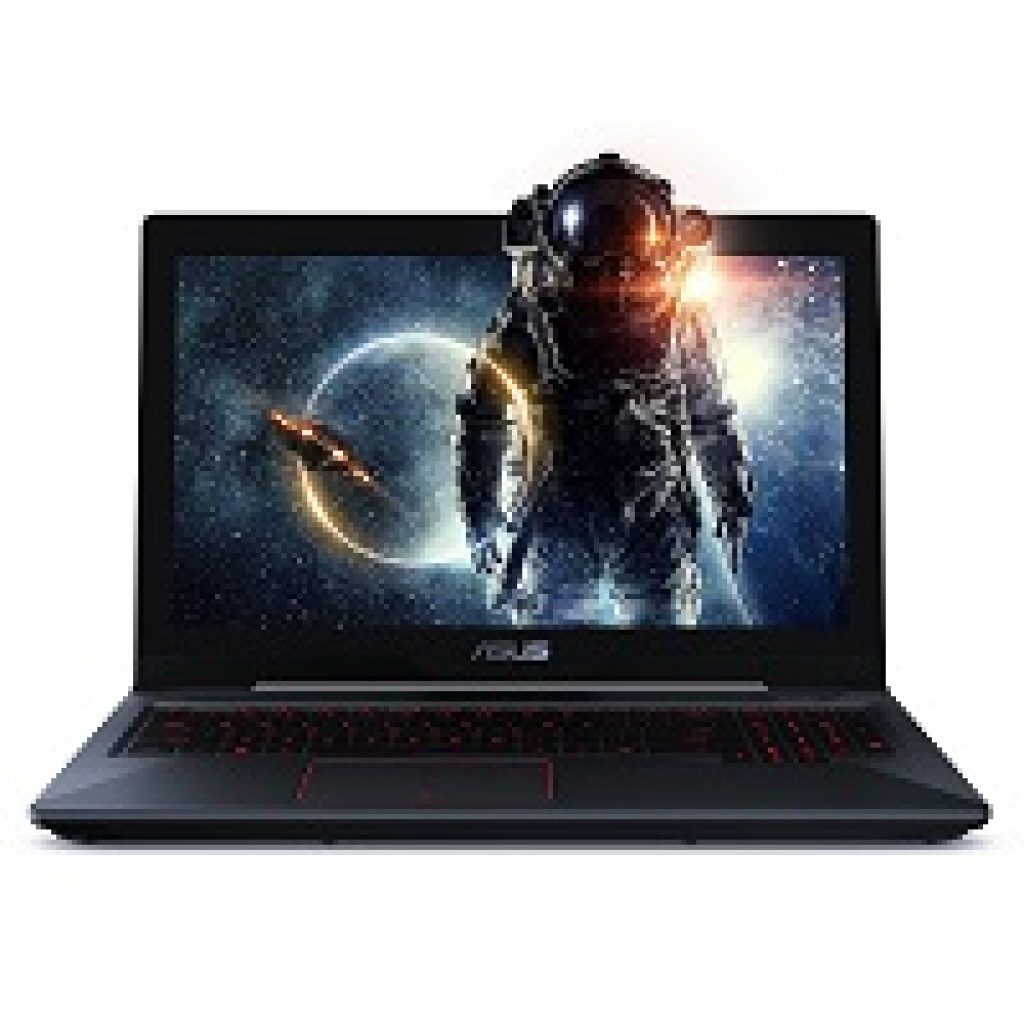
ASUS TUF Thin & Light Gaming Laptop PC (FX504) 15.6” Full HD, 8th-Gen Intel Core i5-8300H (up to 3.9GHz), GeForce...
- 8th Generation Intel Core i5-8300H processor (up to 3.9GHz) and GeForce GTX 1050 for superior gaming performance and multitasking
- Portable design with 0.98" thin profile and weight of only 5.07 lbs
- 1-year subscription with Recurring Billing for 2-5 users
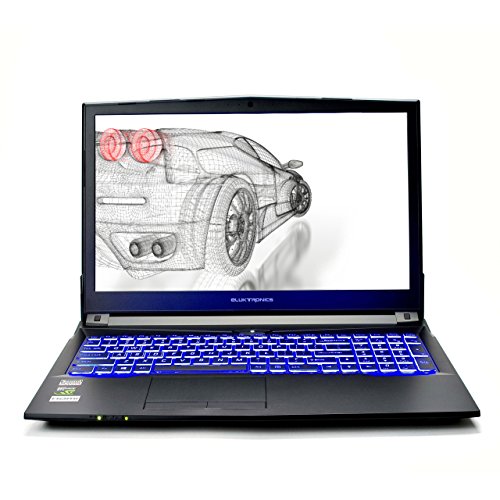
Eluktronics N850HP6 15.6" Pro VR Ready Gaming Notebook - Intel i7-7700HQ Quad Core Windows 10 Home 6GB NVIDIA GTX 1060...
- 7th Gen Intel Core i7-7700HQ (2.8GHz/3.8GHz) Quad Core Processor, Genuine Windows 10 Home 64-Bit
- 6GB GDDR5 VRAM Nvidia GeForce GTX 1060 VR Ready Graphics; 8GB DDR4 2400MHz RAM
- 15.6" Full HD IPS LED Anti-Glare Display (1920 x 1080); 1 HDMI; 2 Mini DisplayPorts; 1 USB 3.1 Type-C
How To Choose A Gaming Laptop (Original Post on Tom’s Hardware)
While the desktop remains supreme among many PC gamers, sometimes you just need something a bit more portable. A gaming laptop is a rig on the go, with the power to play games in a size you can take with you.
But when you’re buying a gaming laptop, you’re not just looking at specs. You’re looking at a whole computer, including a built-in keyboard and display. Here, we explain all of the decisions you’ll have to make when buying a gaming laptop so you can get the best one for your needs and budget.
Quick Tips
- Get a good GPU: Most games are GPU-dependent, and you can’t upgrade these in laptops. A good GPU will ensure your laptop plays games at high settings for a few years.
- Consider upgrading later: Many, though not all, gaming laptops let you upgrade your RAM and storage.
- Pick resolution or speed: The fastest 144Hz displays only come at 1920 x 1080 resolution right now, so a 4K screen will be slower.
- Get a good keyboard: You don’t want to play your games on something mushy or stiff.
- Battery life will probably be bad: Very few gaming notebooks get 8 hours or more on a charge, and you need the power supply to get the best performance anyway.
What GPU do you need?
While some games use the CPU, the majority of games are still GPU-bound, so this is one of the biggest decisions you make when buying a gaming notebook. At the moment, the majority of gaming notebooks come with Nvidia GeForce GTX 10-series GPUs, so we’ll be using those here (sorry, AMD).
- Entry-level gaming: If you don’t need to play on the highest settings, you can go for a GTX 1050, which will let you play most games, albeit on middling settings. An GTX 1050 Ti will give you a bit more power, and we generally think it’s noticeable and worth the investment. A laptop with these cards will roughly cost you between $800 and $1,100.
- Mainstream Gaming: Nvidia’s GeForce GTX 1060 is a good middle-of-the-road card that will let you play most games on high settings. It’s also considered the minimum standard for virtual reality, so it’s the lowest you should go for your Oculus Rift or HTC Vive. Expect laptops with these cards to fall between $1,100 and $1,500.
- VR and the Highest Settings: A GTX 1070 will let you play through just about anything on high settings, while the GTX 1080 is the most powerful card out there for laptops right now and will allow for smoother VR and special effects. These are the cards that will let you start pumping up effects like Nvidia Gameworks. Laptops in this range can start in the high $1,000 dollar range, and, depending on what other specs you need, go over $3,000.


What other specs should I look for?
While the GPU is important, you’ll also want to be on the lookout for a good CPU, enough RAM and lots of storage space.
- CPU: Depending on your budget, you can get a very powerful Core i7 CPU or even one that you can overclock such as the Intel Core i9-8950HK. You can also find laptops with desktop CPUs. However, most games benefit more from a quality GPU than a CPU so you can definitely get by with a Core i5 processor.If you see something older than the most current Intel 8th Gen Core (model numbers begin with 8) or with less power, consider saving a bit for the latest quad-core or hexa-core processor. CPUs usually aren’t upgradeable, so you’re making this choice once.
- RAM: Gaming can be RAM intensive, and 8GB is what we recommend for even average productivity tasks. If you can, you should go for 16GB on a gaming PC. A laptop with a GTX 1050 or 1050 Ti usually comes with 8GB. Once you get to a GTX 1060 or higher, some will come with 16GB of RAM. If you can’t get your laptop with 16GB of RAM now, consider upgrading it in the near future. Memory is upgradeable in many gaming laptops, so this is an area that you can consider boosting later if you’re handy with a screwdriver.
- Storage: Hard drive or SSD? Why not both? Some budget gaming laptops will come with only a hard drive (usually 1TB), but the majority of gaming notebooks also include a small SSD to serve as a boot drive. It’s not uncommon to see a 128GB SSD and 1TB HDD working in tandem. If you can get a larger SSD you may see decreased loading times, but that will also cost you quite a bit more money. Make sure you get a faster, 7,200-rpm HDD as opposed to a 5,400-rpm HDD.Like memory, storage is often upgradeable in gaming notebooks. So if you need more space, you can toss in a 2TB or larger HDD.
What should I look for in a display?
Displays are often overlooked but are hugely important. If you’re not connecting a laptop to a monitor, the built-in screen will be how you see all of your games.
- Size: Most gaming laptops have 15 or 17-inch screens, though there are a few huge systems that have 18-inch panels and a handful of 14-inch systems. What size you like is matter of personal preference, but remember that the larger the screen, the bigger and heavier the laptop.
- Resolution: Never get anything less than a 1920 x 1080 display. It’s rare to find one with a lesser resolution, but if you do, run. If you have a GTX 1070 or GTX 1080, you may want to consider a 2560 x 1440 display. 4K (3840 x 2160) screens are an option on some gaming laptop, but it’s rare you’ll be able to both get enough graphical fidelity at that resolution while also maintaining a smooth frame rate.
- Refresh rate: Most laptops you’ll see will have 1080p resolution and a 60Hz display. And for many gamers, that’s absolutely enough. Higher resolution displays (2560 x 1440, 3840 x 2160) are pretty, but top out at 60Hz. That’s why for some gamers, 1080p may be the best option. Some vendors offer FHD displays with a faster, 144Hz refresh rate for smoother gaming. Of course, you need a great GPU and to play on settings that emphasize frame rate over graphical fidelity to take advantage.
- Nvidia G-Sync and AMD FreeSync: Some gaming notebooks, particularly on the high-end, support technologies that sync the display with the graphics cards, which eliminates screen tearing and ghosting.
- Avoid touch screens: While not inherently bad, touch screens are unnecessary on gaming notebooks (some 2-in-1 models notwithstanding). They kill battery life and can make the display overly glossy.

What should I look for in a keyboard?
If you get an entry-level gaming keyboard, you’re going to get chiclet keys with LED backlighting. But there’s so much more to consider:
- Key Travel: This is how far down you can press a key. In general, we prefer keys with over 1.5 millimeters of key travel, and if you hit 2mm, that’s even better. This can keep you from “bottoming out,” or hitting the keyboard’s frame. When you get to some really expensive laptops, you can even find mechanical keys.
- Actuation: This is how much force you need to apply to a key to press it down. We usually like it between 65 and 70 grams, which is enough to provide resistance without feeling soft.
- Macro Keys: It’s more difficult to find macro keys on gaming notebooks than on desktop keyboards, but it’s not impossible. A good set of programmable macro keys will let you easily complete the most common tasks you complete in games. There’s usually custom software by the laptop manufacturer for this.
- Anti-ghosting and n-key rollover: These are two features that will keep you performing at your best in games. Anti-ghosting means that when you mash on several keys for combos or perform several actions, they will all register. Additionally, n-key rollover means that each key is independent of the others and will be registered no matter which other keys are being pressed.
- Backlighting: While budget gaming laptops will provide backlighting, it’s either just red or white. The best keyboards have RGB backlighting. Some do it by zone (or section of the keyboard), while others allow customization on a per key basis. Some even let you change the lighting depending on the game.
What do specific brands offer?
Each gaming laptop brand has a bit of special sauce. Some have specific hardware designs that stand out while others focus on custom software.
Here are a few to note:
Alienware (Dell) – Alienware has jumped on the RGB train as of late, with 13 programmable lighting zones on the Alienware 17 R5. The Alienware Command Center software brings all of your games together in a single library and allows for keyboard macros and one-click overclocking.
Asus – Asus’s Republic of Gamers brand has some slick designs, including the innovative Zephyrus. Its ROG Gaming Center software shares device information including temperature, storage and RAM usage, while the Aura Core program allows you to customize RGB backlighting.
Acer – Acer is known for having affordable hardware, though it has wowed us with innovation like its ridiculous Predator 21X featuring a curved display and mechanical keyboard. The PredatorSense app lets you monitor your CPU and GPU usage and customize fan speeds.
HP – HP’s Omen lineup has a classier design as of late, but maintains a gamer aesthetic. Its app is the Omen Command Center, which details GPU and CPU use, RAM utilization and a network booster that lets you prioritize bandwidth.
Gigabyte & Aorus – Gigabyte and its sub-brand, Aorus, offer some variety. Gigabytes tend to be lower-end with more color options, while the Aorus models are sleek and thin. Whichever one you go with, you’ll get Fusion software for RGB customization. Aorus machines have Command and Control for easy overclocking.
Lenovo – Lenovo’s gaming lineup is called Legion, and has been recently redesigned to be more minimalist. Rather than creating new software, the company altered its Vantage app to focus on CPU, GPU, RAM and HDD info, as well as a button to boost fan speeds.
MSI – MSI’s gaming laptops are often big, black and red, though the company’s recent Stealth Thin showed it can do something more subdued as well. Of course, you’ll always notice the trademark dragon logo. MSI includes its Dragon Center software, which recently went through a redesign. It allows for system monitoring, multiple performance profiles, controlling the fans and customizing keyboard backlighting.
OriginPC – If you’re getting an Origin, it’s probably because you want customization options. The company offers a wide variety of paint jobs and skins and lets you choose from an array of different processors, GPUs and overclocking options. You can also get thermal compounds to keep things cool and you can even pick the exact RAM and storage you want.
Razer – Did someone say Chroma? Razer’s design is some of the best in the business, and it’s known for its RGB lighting. Razer Synapse lets you record macros and set lighting on both laptops and accessories.
Samsung – Samsung’s Odyssey lineup of gaming notebooks has proven to be overpriced with a look that feels like it came out of a Fisher Price box. Like its competitors, Samsung’s Odyssey Control Center shows performance statistics like CPU and GPU usage.

How About Battery Life?
The short answer is not to count on your gaming notebook being super portable.
If you’re using your laptop to play games, you need to keep your laptop plugged in to get the full performance out of your GPU. And if you don’t, you’ll be lucky if your laptop lasts an hour gaming. In our testing experience, most gaming laptops last only a few hours on a charge when performing other tasks, but never as long as ultraportables without discrete GPUs. If you need something to last 8 hours while you work, it won’t be a gaming notebook.
Some do last long, but that’s often at the expense of the display, and you don’t want to play all your games on a dark, dim or inaccurate screen.
Bottom Line
When buying a gaming notebook, get one that will last you for a few years. If you can afford it, get at least an Nvidia GeForce GTX 1060 for basic VR support. That choice is more important than RAM and the CPU, though you should pay attention to those as well. Storage is the most likely to be upgradeable, but more is better, as games take up a lot of space. Decide if you prefer high resolutions or faster displays and consider what software will be helpful to you, but realize that you won’t get great battery life. How all of those work together determines just how well a gaming notebook does on the Tom’s Hardware test bench.